
February 19, 2026


Facebook advertising works for both B2B and B2C businesses—but the strategies differ significantly. With over 2 billion monthly active users and sophisticated targeting options, Facebook remains essential for business advertising in 2026.
This guide covers how to set up and run effective Facebook ads whether you're selling to consumers or other businesses.
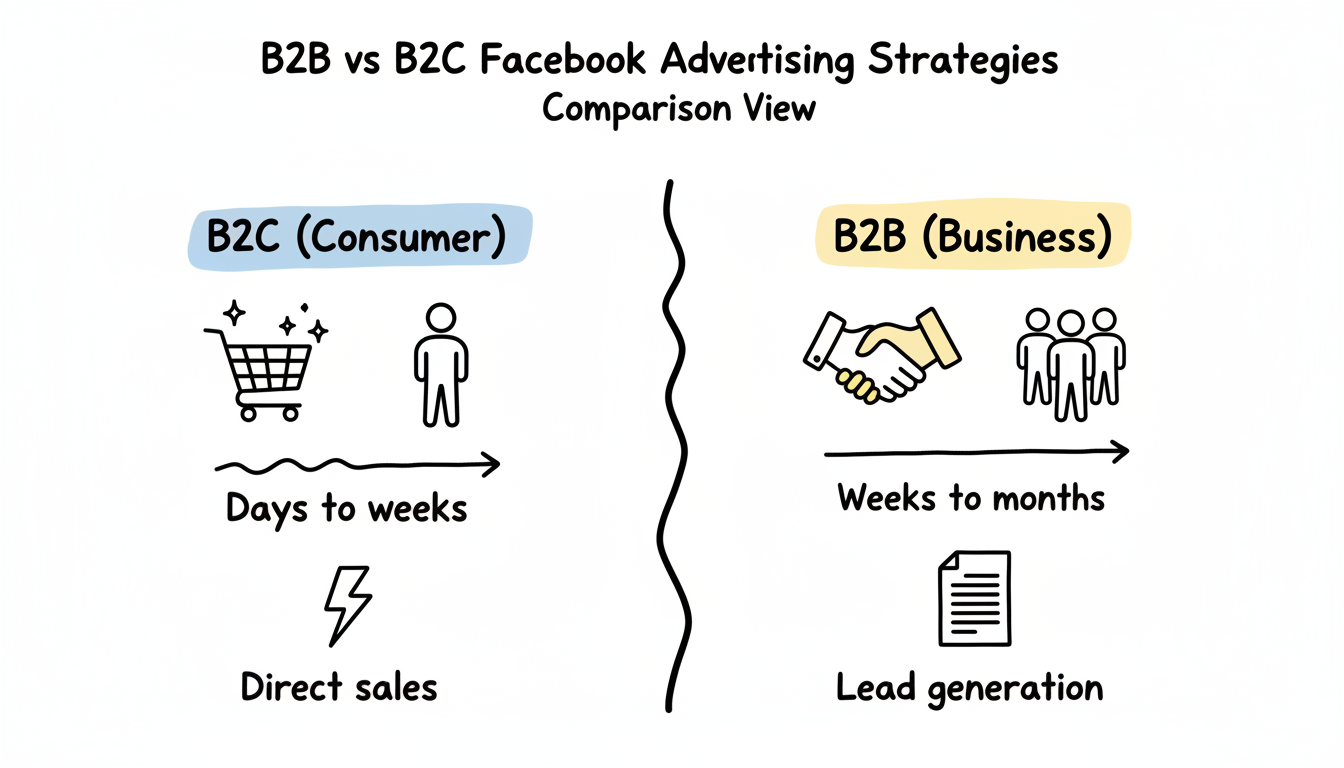
The fundamental difference between B2B and B2C Facebook advertising lies in the buying cycle and decision-making process.
Consumer purchases are often spontaneous and emotion-driven. Your strategy should focus on:
Key Metrics:
Approach:
Best Objectives: Sales, Engagement, Traffic
Business buyers face longer decision-making processes involving multiple stakeholders, higher financial commitments, and more research phases.
Key Metrics:
Approach:
Best Objectives: Leads, Engagement (for content), Traffic (to resources)
According to industry data, 48.5% of B2B decision-makers use Facebook for research. However, the platform works best for demand generation—staying "top of mind" so your brand is remembered when buyers are ready.
Factor | B2C | B2B |
Sales cycle | Days to weeks | Weeks to months |
Decision makers | Individual | Multiple stakeholders |
Content type | Product-focused, visual | Educational, proof-driven |
Primary goal | Direct sales | Lead generation |
Optimization | Purchase events | Lead form submissions |
Retargeting window | 7-30 days | 30-180 days |
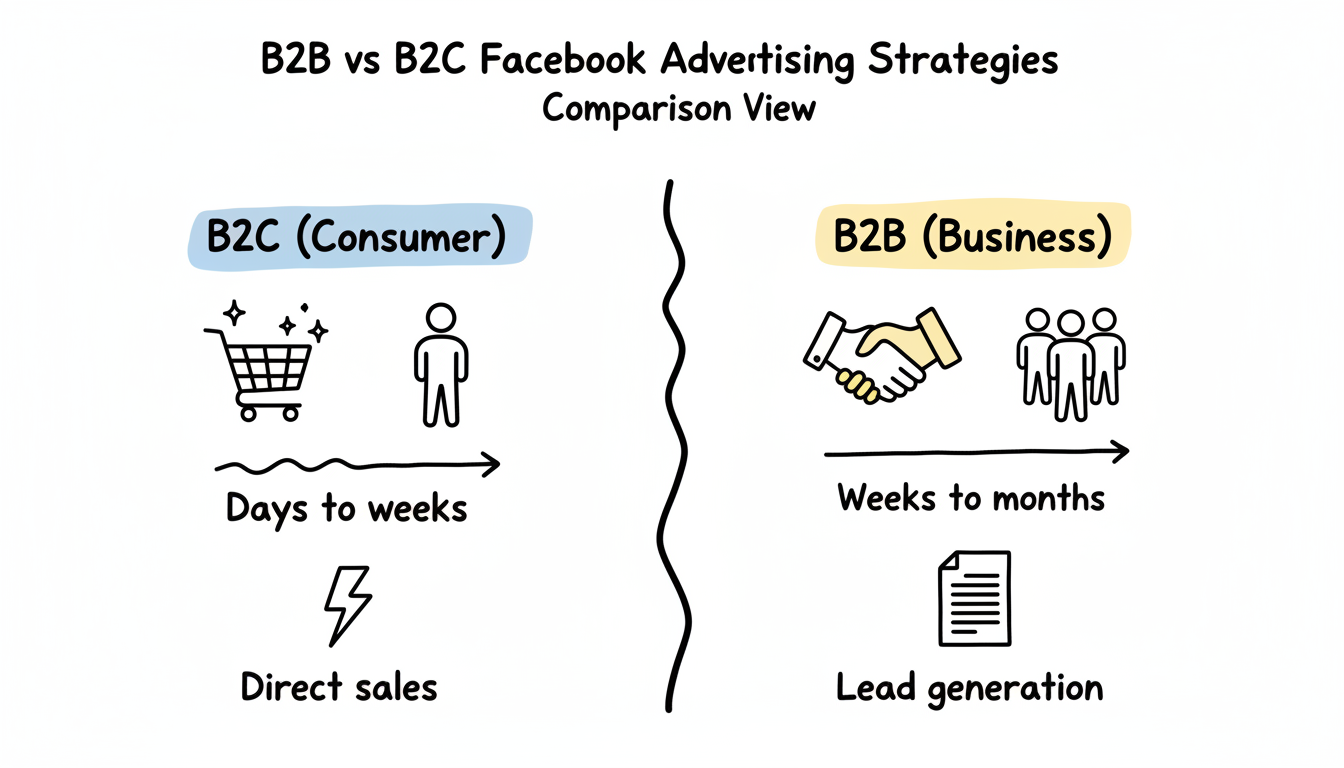
Your Facebook Business Page is the foundation of your advertising presence. Ads appear to come from this page, and it's where prospects will investigate your credibility.
Profile Picture: Your logo, optimized for display at small sizes (170x170 pixels)
Cover Photo: Showcase your value proposition or current offer (851x315 pixels)
About Section:
Call-to-Action Button: Choose based on your goal:
Before running ads, ensure your page shows social proof:
A sparse page with no posts can undermine ad performance as curious prospects click through and find nothing.
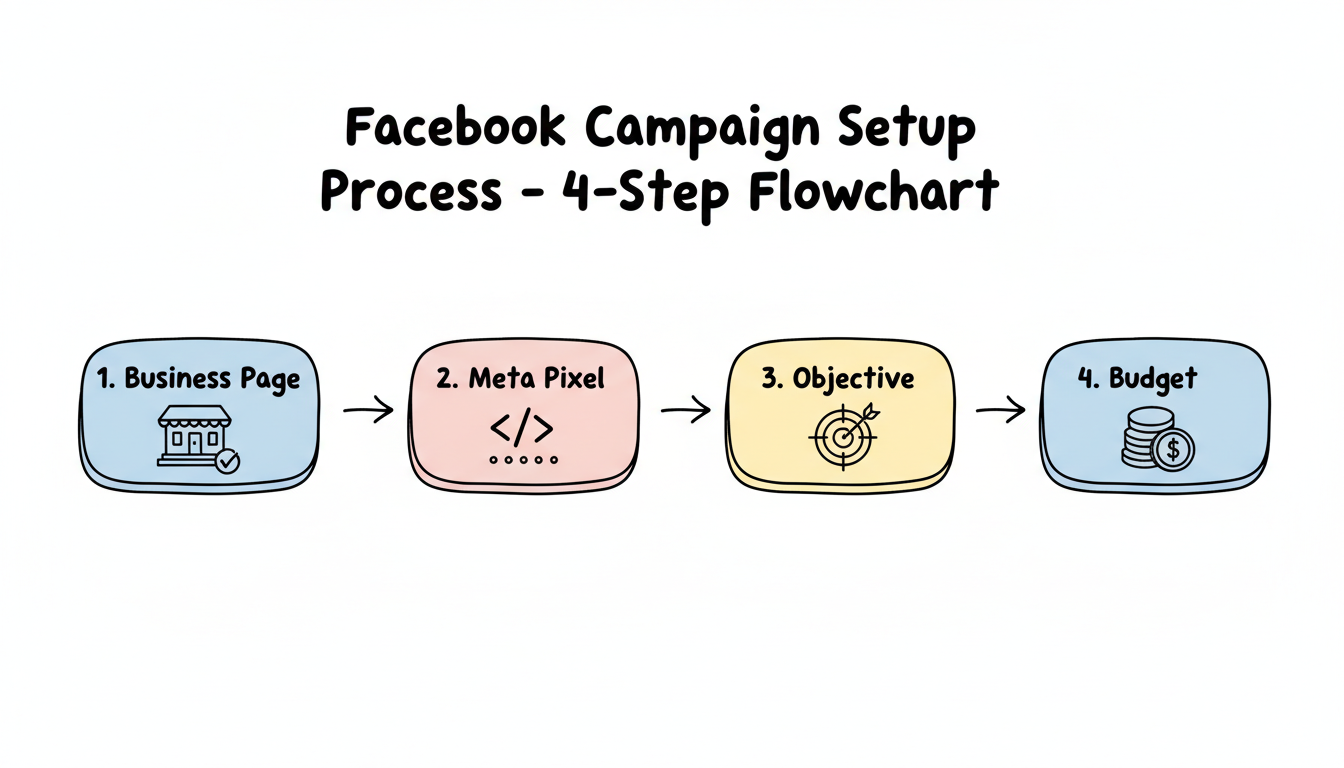
Once your page is ready, set up your advertising infrastructure in Ads Manager. Understanding how to create Facebook ads for beginners will help you navigate the platform confidently.
Navigate to adsmanager.facebook.com or access through Meta Business Suite.
The Meta Pixel tracks conversions and builds audiences. Without it, you can't measure results or optimize effectively.
For B2B, focus on: Lead, SubmitApplication, Contact, CompleteRegistration
For B2C, focus on: Purchase, AddToCart, InitiateCheckout, ViewContent
Your Goal | Objective to Choose |
Get purchases | Sales |
Collect leads | Leads |
Drive website traffic | Traffic |
Get video views | Engagement |
Build awareness | Awareness |
For most businesses, start with Leads or Sales objectives. These optimize for valuable actions rather than vanity metrics.
Facebook requires enough data to optimize effectively. Recommended minimums:
Before committing to larger budgets, research how much to run ads on Facebook for your specific industry and goals.
Use Campaign Budget Optimization (CBO) to let Facebook allocate spend across your ad sets automatically.
Facebook's targeting capabilities make it powerful for both B2B and B2C. The key is matching your approach to your business type.
Funnel-Based Approach:
Top of Funnel (Cold):
Middle of Funnel (Warm):
Bottom of Funnel (Hot):
Recommended Audience Sizes:
According to targeting best practices:
Objective | Optimal Audience Size |
Conversions | 500K-2M |
Lead Generation | 300K-1M |
Traffic | 200K-1M |
Brand Awareness | 2M-10M |
B2B targeting on Facebook requires more precision since you're reaching decision-makers, not general consumers.
Demographic Targeting:
Interest-Based Targeting:
Custom Audiences:
Lookalike Strategy: Build lookalikes from your highest-quality leads, not just any leads. A lookalike based on customers who closed is more valuable than one based on all form fills.
Meta's Andromeda algorithm now controls much of the targeting automatically. For both B2B and B2C:
Many businesses benefit from working with a Facebook ads marketing agency to navigate these evolving algorithmic changes and maximize campaign performance.
Yes, but with adjusted expectations. Facebook excels at B2B demand generation and awareness rather than direct sales. Use it to capture leads with valuable content offers, then nurture those leads through email and other channels. For high-intent B2B leads, consider pairing Facebook with LinkedIn advertising.
While there's no official minimum, most experts recommend at least $20-50 per day per ad set to gather enough data for optimization. For B2B campaigns, where cost per lead is higher, budget $50-100/day minimum to see meaningful results within a reasonable timeframe.
Lead Ads work well for B2B because they reduce friction—forms auto-populate with user data, making submission easy. However, website forms often produce higher-quality leads since users demonstrate more commitment. Test both and measure lead-to-customer conversion rates, not just cost per lead.
By submitting this form, you agree to our Privacy Policy and Terms & Conditions.



