
February 19, 2026


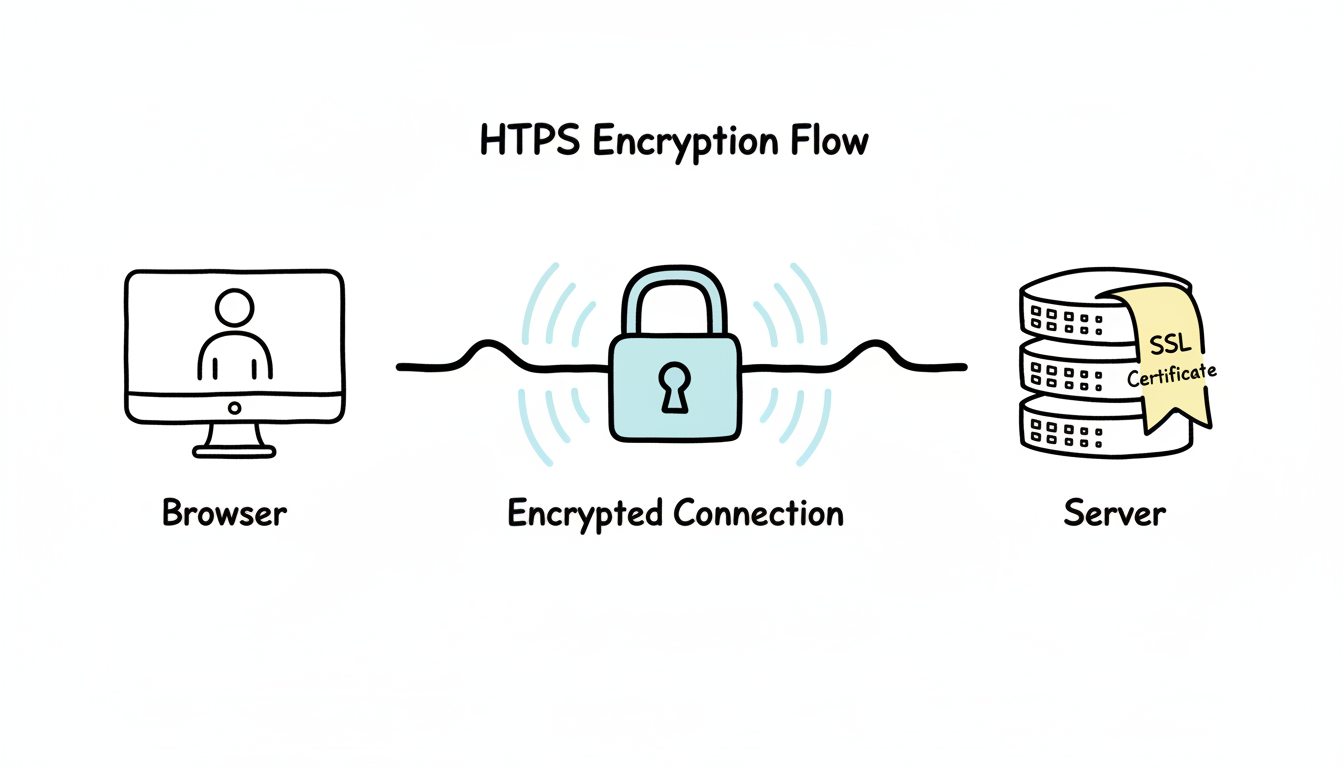
In today's digital landscape, ensuring the security and trustworthiness of websites is essential. One vital aspect of achieving this is implementing HTTPS, a protocol that provides a secure and encrypted connection between a user's browser and a website. HTTPS not only enhances user trust but also plays a significant role in improving SEO rankings. In this article, we will explore the importance of HTTPS, its impact on search engine rankings, user trust, transitioning from HTTP to HTTPS, and the future of this security protocol.
When it comes to browsing the internet, security is a top concern for both users and website owners. One of the ways to ensure a secure connection is by using HTTPS, which stands for HyperText Transfer Protocol Secure. This protocol is an extension of the HTTP protocol, adding an extra layer of security through the use of SSL (Secure Sockets Layer) or TLS (Transport Layer Security) encryption.
HTTPS works by encrypting the data transmitted between the user and the website. This encryption ensures that any sensitive information, such as login credentials, credit card details, or personal data, remains private and secure. Without HTTPS, this data could be intercepted by malicious actors, leading to potential identity theft, financial loss, or other security breaches.
Now, let's dive deeper into the basics of HTTPS. As mentioned earlier, HTTPS is an extension of the HTTP protocol, which is the foundation of data communication on the World Wide Web. While HTTP is widely used for transmitting information, it lacks the necessary security measures to protect sensitive data.
HTTPS, on the other hand, adds an extra layer of security through encryption. This encryption is achieved using SSL or TLS, which are cryptographic protocols that establish a secure connection between the user's browser and the website's server. By encrypting the data, HTTPS ensures that even if intercepted, it would be nearly impossible for anyone to decipher and make sense of the information.
When a user accesses a website with HTTPS, their browser initiates a secure connection by requesting the website's SSL certificate. This certificate is issued by a trusted Certificate Authority (CA) and contains information about the website's identity and the encryption key used for secure communication. Once the browser verifies the authenticity of the certificate, it establishes a secure connection with the website, allowing for safe data transmission.
In today's digital landscape, where cyber threats and online fraud are on the rise, adopting HTTPS has become more important than ever. Websites that do not have HTTPS are vulnerable to various attacks, putting both the website owners and their users at risk.
One of the most common attacks that HTTPS helps protect against is phishing. Phishing is a technique used by cybercriminals to trick users into revealing sensitive information, such as passwords or credit card details, by impersonating a legitimate website. With HTTPS, users can easily identify whether a website is genuine or not by looking for the padlock icon in the browser's address bar, indicating a secure connection.
Data breaches are another significant concern in today's digital landscape. Without HTTPS, sensitive user data transmitted between the user and the website is susceptible to interception and unauthorized access. This can lead to severe consequences, including financial loss, identity theft, and reputational damage for both the website and its users.
Moreover, HTTPS protects against man-in-the-middle attacks, where an attacker intercepts the communication between the user and the website, allowing them to eavesdrop, modify, or inject malicious content into the data transmission. By encrypting the data, HTTPS ensures that even if intercepted, it remains unreadable and secure.
By adopting HTTPS, website owners can demonstrate their commitment to security and the protection of user data. It not only safeguards sensitive information but also helps build trust and credibility with users. When users see the padlock icon and the "https://" in the website's URL, they can browse and interact with confidence, knowing that their data is being transmitted securely.
In conclusion, HTTPS is a crucial component of website security in today's digital landscape. By encrypting data transmission and protecting against various attacks, it helps ensure the privacy and security of user information. As cyber threats continue to evolve, adopting HTTPS has become a necessity for website owners who want to protect their users and maintain their trust in an increasingly interconnected world.
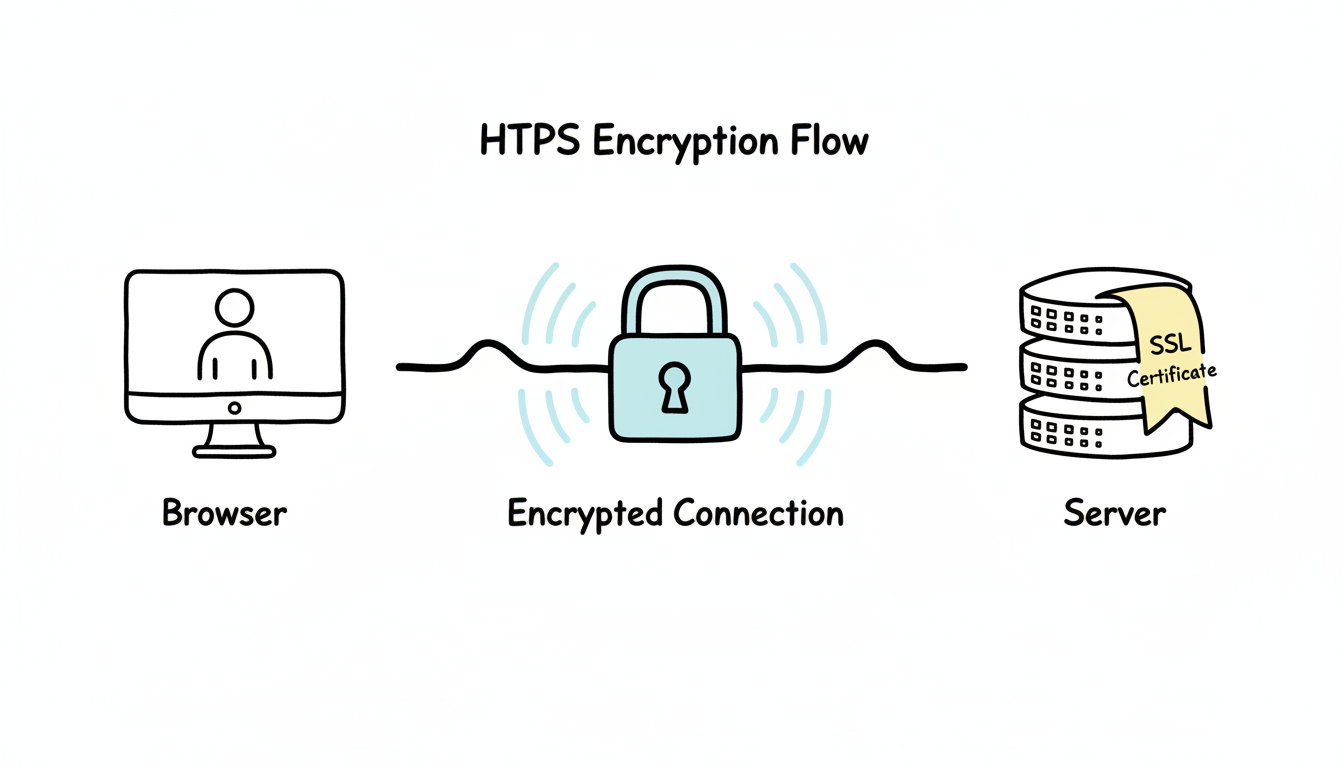
When it comes to search engine optimization (SEO), there are numerous factors that can influence the ranking of a website. One such factor that has gained significant importance in recent years is the implementation of HTTPS.
Search engines, like Google, give preference to websites that prioritize security. In 2014, Google announced that HTTPS would be considered a ranking factor, giving websites with HTTPS a slight boost in search results. This means that if your website is secured with HTTPS, it may have a better chance of appearing higher in search engine rankings.
But why does Google and other search engines value HTTPS so much? The answer lies in the increased security and privacy it provides to users. By using HTTPS, websites ensure that the data exchanged between the user's browser and the website is encrypted and cannot be easily intercepted by malicious third parties.
Moreover, HTTPS also helps to establish trust and credibility with users. When visitors see the padlock symbol and "https://" in the URL bar, they feel more confident in sharing their personal information or making online transactions on your website. This can lead to higher conversion rates and improved user experience, which are both important factors in SEO.
Aside from its impact on search engine rankings, HTTPS also plays a crucial role in the crawling and indexing of websites. Search engine bots, also known as crawlers or spiders, are responsible for discovering and indexing web pages. With HTTPS, these bots can easily access and crawl your website while also ensuring the privacy and integrity of the data exchanged.
When a website is secured with HTTPS, the data transmitted between the user's browser and the website is encrypted using SSL/TLS protocols. This encryption ensures that even if someone intercepts the data, they won't be able to decipher its contents. This added layer of security is particularly important when sensitive information, such as login credentials or credit card details, is being transmitted.
Furthermore, HTTPS helps to prevent unauthorized modifications to your website's content during the crawling and indexing process. By encrypting the data, HTTPS ensures that the pages crawled by search engine bots are the same as the ones seen by users. This helps to maintain the integrity of your website's content and prevent any malicious tampering.
Overall, implementing HTTPS on your website not only improves its security and privacy but also has a positive impact on SEO. It can boost your search engine rankings, enhance user trust and confidence, and facilitate the crawling and indexing process. In today's digital landscape, where online security is of paramount importance, HTTPS has become an essential aspect of any successful SEO strategy.
When it comes to online security, implementing HTTPS is crucial. Not only does it enhance the overall user experience, but it also instills a sense of trust and confidence in your website visitors. By assuring them that their connection is secure, you are taking a proactive step towards building a strong relationship with your audience.
Implementing HTTPS improves the overall user experience by assuring visitors that their connection to your website is secure. Users are more likely to trust websites that display a padlock symbol or the "Secure" label in the browser's address bar, indicating that the connection is encrypted and their data is protected.
Imagine a scenario where a user wants to make a purchase on your website. Without HTTPS, they might hesitate to enter their credit card information due to concerns about data security. However, with HTTPS in place, the user can confidently proceed with the transaction, knowing that their sensitive information is being transmitted securely.
Furthermore, HTTPS also plays a vital role in protecting user privacy. When a website is accessed over an unsecured connection, it becomes easier for malicious actors to intercept and gather personal information. By using HTTPS, you are safeguarding your users' data from potential eavesdroppers, ensuring their privacy is maintained.
HTTPS not only secures the user's connection but also protects against potential tampering or modification of website content. Users can confidently access and interact with your website, knowing that the information they provide is encrypted and safe from third-party interception.
Imagine a situation where a user is browsing your website and comes across a blog post discussing a controversial topic. Without HTTPS, there is a risk that the content could be altered by an attacker, leading to misinformation or confusion. However, with HTTPS, users can trust that the content they are viewing is authentic and hasn't been tampered with.
Moreover, secure connections are especially crucial for websites that handle sensitive data, such as financial institutions or e-commerce platforms. By implementing HTTPS, these websites can ensure that their customers' information, such as credit card details or personal identification, remains confidential and protected from unauthorized access.
In conclusion, HTTPS is not just a technical requirement; it is a powerful tool that enhances user trust and confidence in your website. By providing a secure browsing experience, you are not only protecting your users but also building a strong foundation for long-term relationships with your audience. So, make the switch to HTTPS today and reap the benefits of a safer and more trustworthy online presence.
Migrating from HTTP to HTTPS requires careful planning and execution. Here are some essential steps to follow:
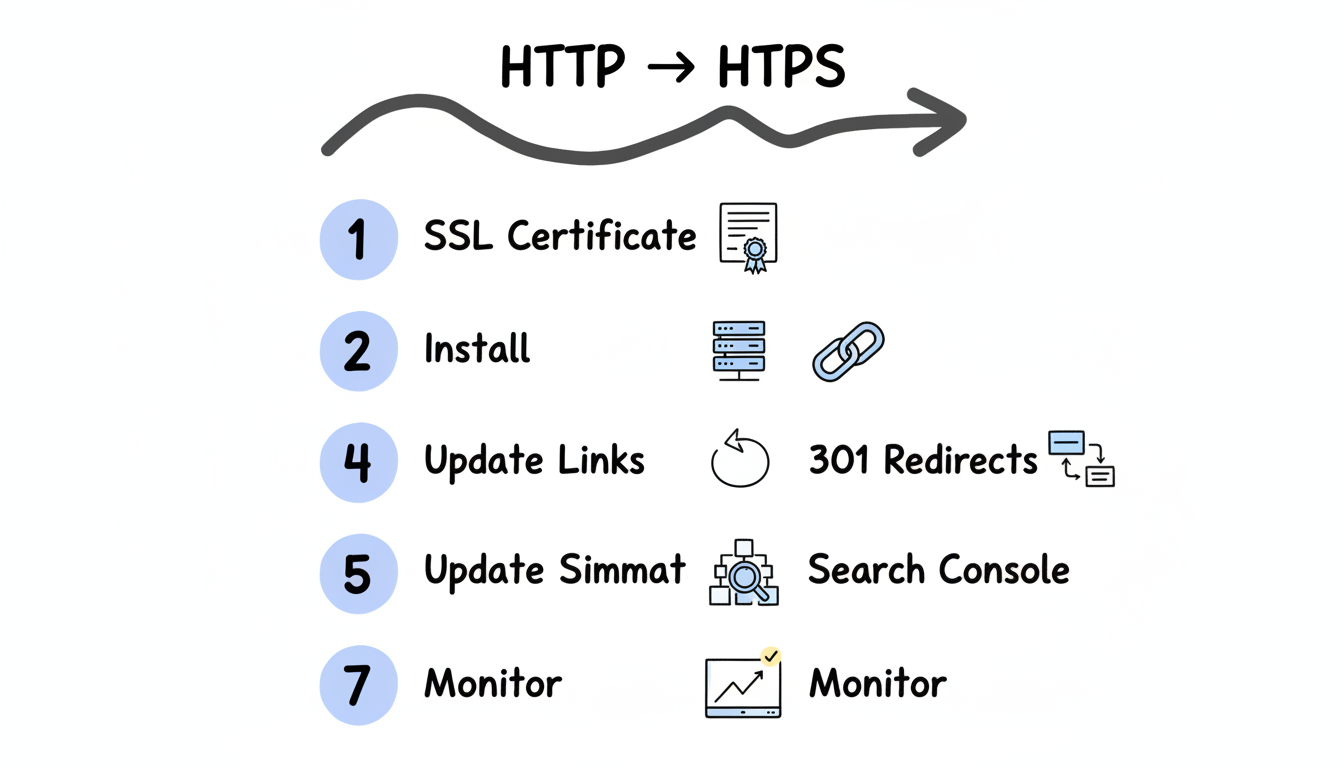
While transitioning from HTTP to HTTPS can be a complex process, understanding and addressing common challenges can greatly facilitate the migration. Some challenges that website owners may encounter include mixed content warnings, unoptimized performance, and issues with third-party integrations. These challenges can be overcome with proper planning, implementation, and regular monitoring of the website.
As technology advances and cyber threats continue to evolve, HTTPS will also adapt to ensure the highest level of security. Newer versions of SSL and TLS protocols are constantly being developed to address vulnerabilities and enhance encryption algorithms. Staying updated with the latest security standards is crucial to maintain the integrity and trustworthiness of your website.
With the growing focus on web security and the increasing awareness among users, it is predicted that HTTPS usage will continue to rise. In the near future, it is likely that browsers and search engines will further incentivize the use of HTTPS, making it a necessity rather than an option for website owners.
In conclusion, implementing HTTPS provides numerous benefits for both SEO and user trust. It not only improves search engine rankings but also enhances the overall user experience by securing the connection and protecting against potential attacks. Transitioning from HTTP to HTTPS requires careful planning and execution, but the long-term advantages outweigh the challenges. As technology advances, the future of HTTPS looks promising, and website owners should stay proactive in adopting and maintaining this essential security protocol.
By submitting this form, you agree to our Privacy Policy and Terms & Conditions.



