
February 19, 2026


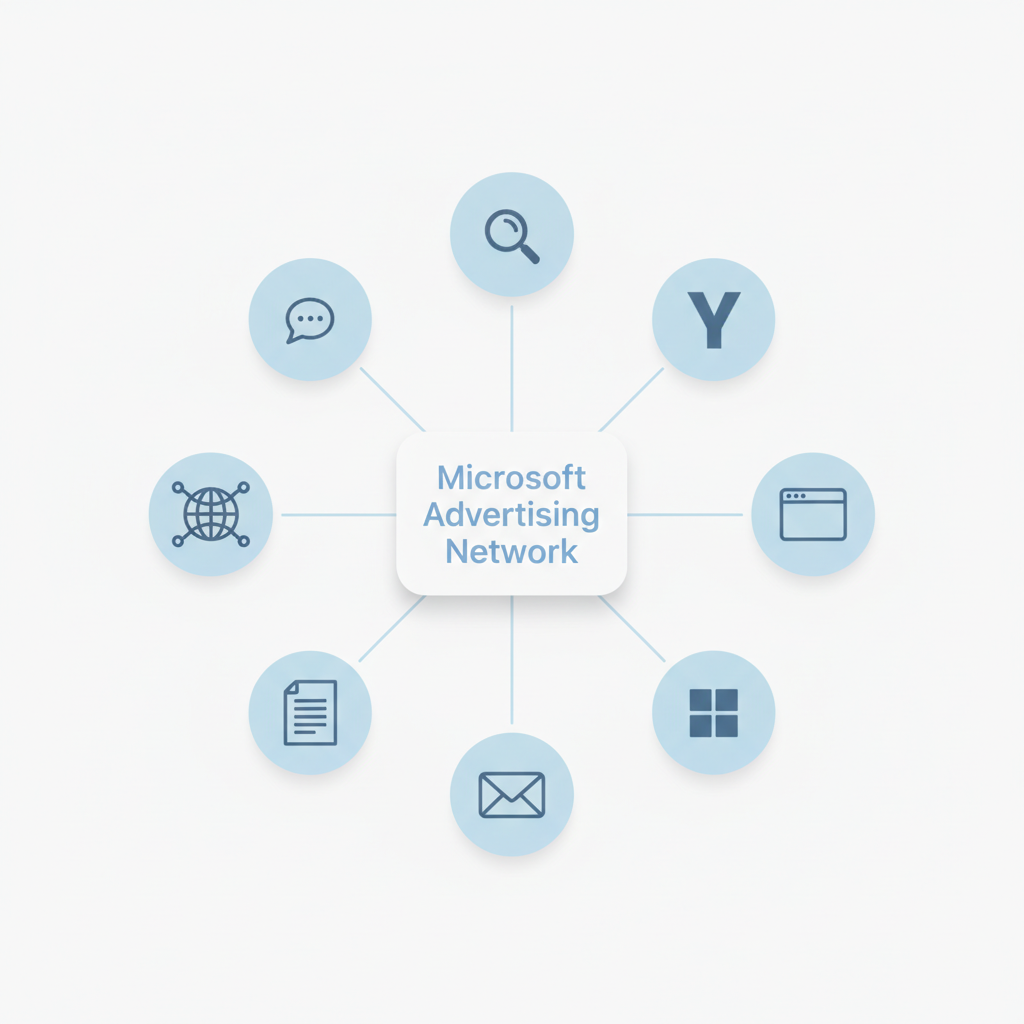
Microsoft Advertising (formerly Bing Ads) is a pay-per-click advertising platform that places your ads across the Microsoft Search Network, including Bing, Yahoo, AOL, and partner sites. With over 900 million searches each month, Microsoft Advertising represents the second-largest search advertising platform after Google—and one that many advertisers overlook.
This guide explains what Microsoft Advertising offers, how it differs from Google Ads, and how to get started reaching audiences your competitors may be ignoring.
Microsoft Advertising enables businesses to display ads when users search on Bing and across Microsoft's network of properties. The platform operates on a pay-per-click model: you bid on keywords relevant to your business and only pay when someone clicks your ad.
According to industry experts, Microsoft Advertising places your ads across:
This extensive network means your ads reach users throughout their daily digital activities—not just during active searches.
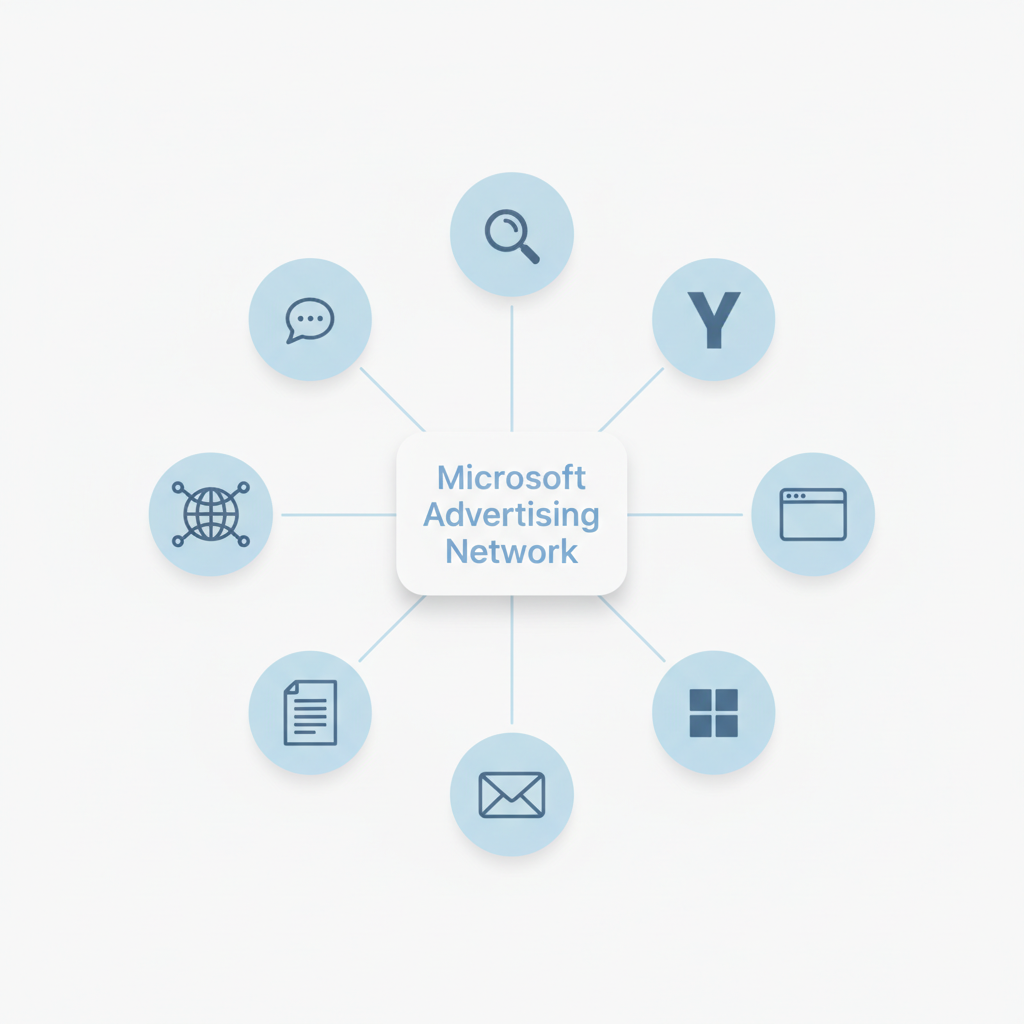
The platform functions similarly to other search advertising systems:
Microsoft Advertising also offers an import tool that allows you to transfer existing Google Ads campaigns directly into the platform, making it easy to expand your reach without rebuilding campaigns from scratch.
Microsoft Advertising provides several distinctive capabilities that set it apart from competitors.
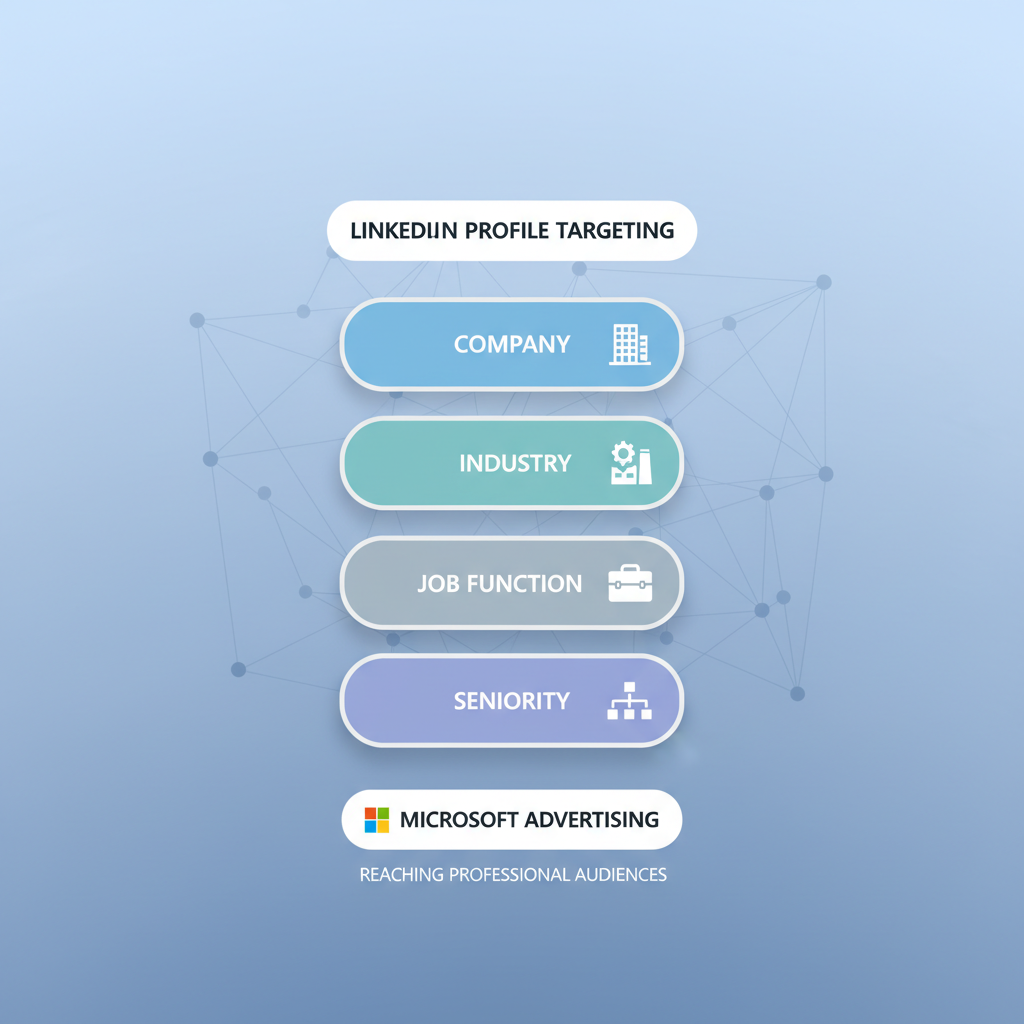
One of Microsoft's most powerful differentiators is LinkedIn integration for B2B targeting. Advertisers can target users based on:
This makes Microsoft Advertising particularly valuable for B2B marketers who need to reach specific professional audiences.
If you're exploring organic SEM agency services, leveraging these advanced targeting capabilities can significantly improve your campaign performance.
In 2026, Microsoft expanded Performance Max capabilities significantly. According to Search Engine Land, advertisers can now add up to 50 search themes per campaign—double the previous limit—giving more control over how automation interprets search intent.
Performance Max campaigns use AI to automatically optimize across Microsoft's entire network, including search, display, and native placements.
Microsoft has integrated AI throughout the advertising platform. Recent updates include:
Beyond LinkedIn data, Microsoft Advertising offers sophisticated audience targeting:
Microsoft Advertising reaches audiences that differ meaningfully from Google's user base.
According to Microsoft Advertising research, Bing users tend to be:
For B2B advertisers and brands targeting affluent consumers, this demographic profile can be particularly valuable.
While Microsoft holds a smaller market share than Google, this creates opportunity. Industry analysis shows that lower advertiser competition on Microsoft typically results in:
Many businesses see 20-35% revenue increases when adding Microsoft Advertising alongside existing Google campaigns. Working with Microsoft Ads PPC agency services can help you maximize these cost advantages while maintaining quality traffic.
Microsoft Advertising supports multiple ad formats to match different marketing objectives.
Responsive Search Ads (RSA): The standard search ad format. You provide multiple headlines and descriptions, and Microsoft's AI tests combinations to find top performers.
Dynamic Search Ads: Automatically generates ads based on your website content, capturing long-tail keywords you might miss.
Product Ads: Display your products directly in search results with images, prices, and store information. Ideal for e-commerce businesses.
Smart Shopping Campaigns: AI-optimized campaigns that automatically bid and place product ads across the network.
Microsoft Audience Ads: Image-based ads appearing on partner sites in the Microsoft Audience Network.
Native Ads: Ads formatted to match the look and feel of the content environment where they appear.
Video placements across Microsoft properties and partner sites, supporting brand awareness and engagement campaigns.
Follow these steps to launch your first Microsoft Advertising campaign.
Visit ads.microsoft.com and sign up with your Microsoft account. Enter your business information and billing details.
If you have existing Google Ads campaigns, use the import tool to transfer them directly. Microsoft will suggest platform-specific optimizations based on Bing audience behavior.
For new campaigns, start with:
Set your targeting parameters:
Establish daily budgets and bidding strategies. For beginners, Enhanced CPC or Target CPA bidding can automate optimization while you learn the platform. If you're comparing platforms, our guide on Microsoft Ads vs Google Ads comparison can help you allocate budget effectively between both channels.
Activate your campaigns and monitor performance regularly. Key metrics to track include:
Yes. Microsoft rebranded Bing Ads to Microsoft Advertising in 2019 to better reflect the platform's expanded reach beyond just Bing search. According to industry sources, the platform now covers Bing, Yahoo, AOL, and the Microsoft Audience Network, making "Microsoft Advertising" a more accurate name for the full advertising ecosystem.
Microsoft Advertising uses a pay-per-click model where you set your own budget. Typical CPCs range from $0.50 to $5+ depending on industry and competition. According to advertising experts, Microsoft Advertising often delivers 33-70% lower CPCs than Google Ads for identical keywords due to less competition, making it cost-effective for businesses of all sizes.
Yes—most experts recommend using both platforms. Microsoft Advertising reaches audiences that don't use Google and typically costs less per click. According to industry research, advertisers see 20-35% revenue increases by adding Microsoft Advertising alongside Google campaigns. The import tool makes expanding to Microsoft quick and straightforward.
By submitting this form, you agree to our Privacy Policy and Terms & Conditions.



