
February 19, 2026


Mobile has become the primary way users interact with AI-powered search. In 2026, dedicated AI search apps and mobile integrations have transformed how people discover information on their phones. Understanding the mobile AI search landscape is essential for both users seeking the best tools and businesses optimizing for mobile visibility.
This guide covers the AI search app ecosystem and how mobile experiences differ from desktop.
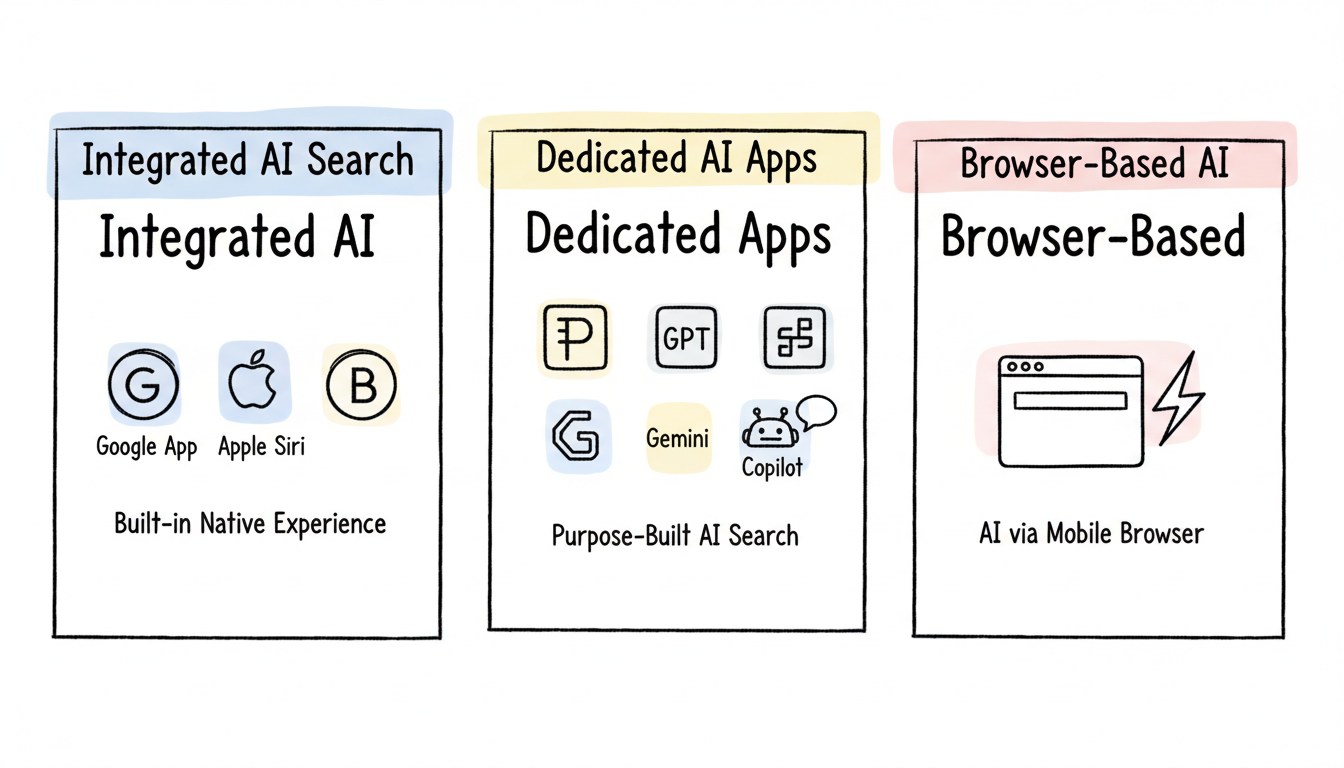
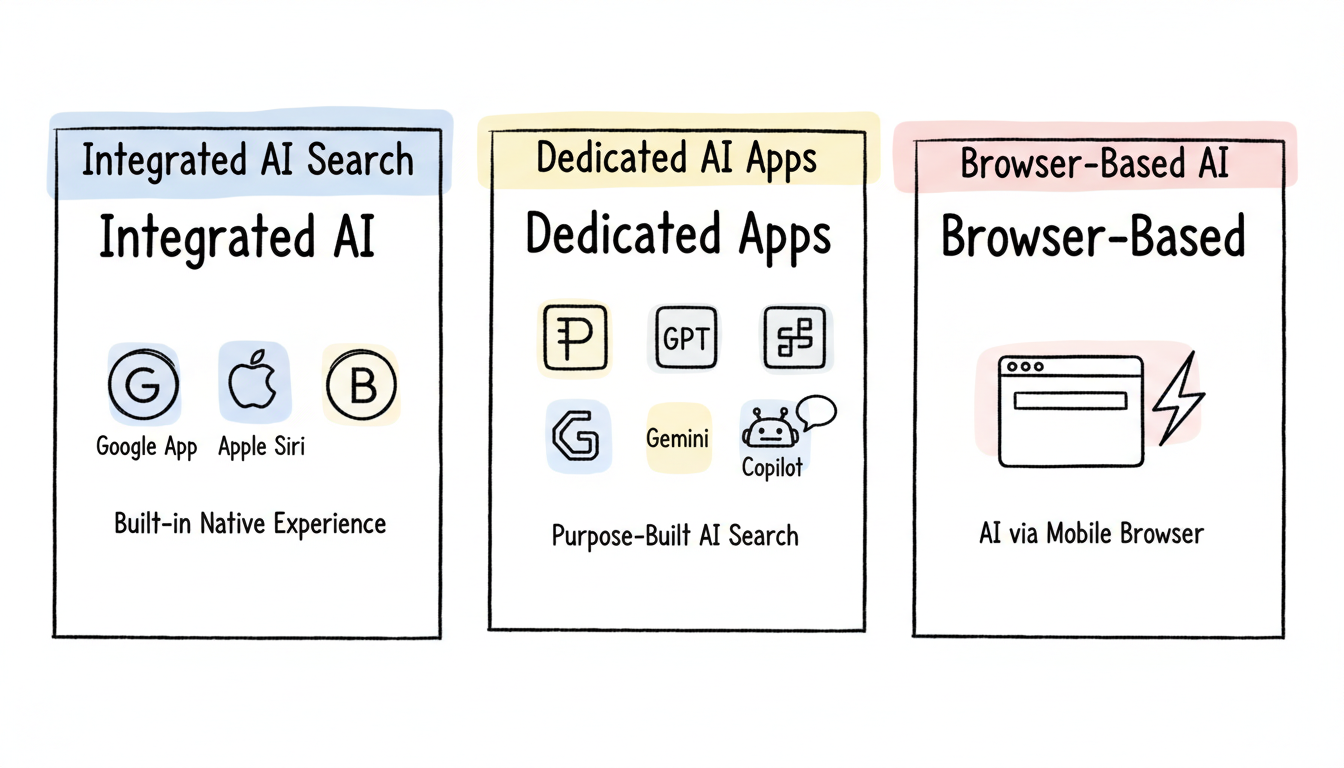
Mobile AI search has evolved into three distinct categories:
AI features built into native mobile experiences:
Platform | Integration | Key Feature |
Google App (Android/iOS) | AI Overviews in search | Summaries within traditional search |
Google Gemini App | Standalone AI assistant | Full conversational AI |
Apple Siri (2026) | Gemini-powered AI | Voice-first interaction |
Samsung Bixby | Enhanced AI capabilities | Device integration |
Purpose-built apps for AI-powered search:
App | Platform | Primary Strength |
Perplexity | iOS/Android | Citation-backed answers |
ChatGPT | iOS/Android | Conversational depth |
Microsoft Copilot | iOS/Android | Productivity integration |
Claude | iOS/Android | Safe, nuanced responses |
AI search accessed through mobile browsers:
Google's AI Overviews appear differently on mobile compared to desktop. Understanding how to use Google AI Overview effectively on mobile devices requires familiarity with their unique presentation and interaction patterns.
Compact presentation: AI Overviews occupy significant mobile screen space but are designed for quick scanning.
Expandable summaries: Initial view shows condensed information; users tap to expand for full detail.
Voice integration: AI Overviews work with voice search, reading summaries aloud when requested.
Gesture navigation: Swipe actions help users move between AI answers and traditional results.
AI Overviews appear for:
They're less common for:
Aspect | Mobile | Desktop |
Screen space | Dominates viewport | Shares with sidebar |
Interaction | Tap to expand | Visible by default |
Follow-up | Conversational prompts | Related questions |
Citations | Collapsed by default | More visible |
Best for: Research with verifiable sources
Perplexity has become the leading mobile AI search app for users who need trustworthy, cited answers.
Mobile features:
Strengths: Citation transparency, clean interface, focused search experience
Limitations: Less conversational than ChatGPT, deep research less impressive than desktop
Best for: Conversational AI with broad capabilities
OpenAI's mobile app brings the full ChatGPT experience to phones.
Mobile features:
Strengths: Deep reasoning, multi-modal input, natural conversation
Limitations: Web search requires enabling, citations less prominent
Best for: Integration with Google services
Google's standalone AI assistant app connects deeply with Android and Google ecosystem.
Mobile features:
Strengths: Ecosystem integration, device-level features, free tier
Limitations: Data collection concerns, less conversational depth
Best for: Productivity-focused users
Copilot brings AI assistance with strong productivity tool connections.
Mobile features:
Strengths: Work-focused features, Microsoft ecosystem
Limitations: Less popular than alternatives, feature overlap
Mobile AI search offers capabilities unavailable on desktop:
Natural spoken queries and responses:
Visual search and analysis:
Persistent AI assistance:
Context from physical location:
Consider these factors when selecting your primary mobile AI search tool. For a comprehensive comparison, review our guide to AI search tools software comparison that evaluates features across platforms.
Factor | Best Choice |
Source verification needed | Perplexity |
Deep conversation wanted | ChatGPT |
Google ecosystem user | Gemini |
Microsoft/work focus | Copilot |
Privacy priority | Brave Leo |
Voice-heavy usage | Gemini or ChatGPT |
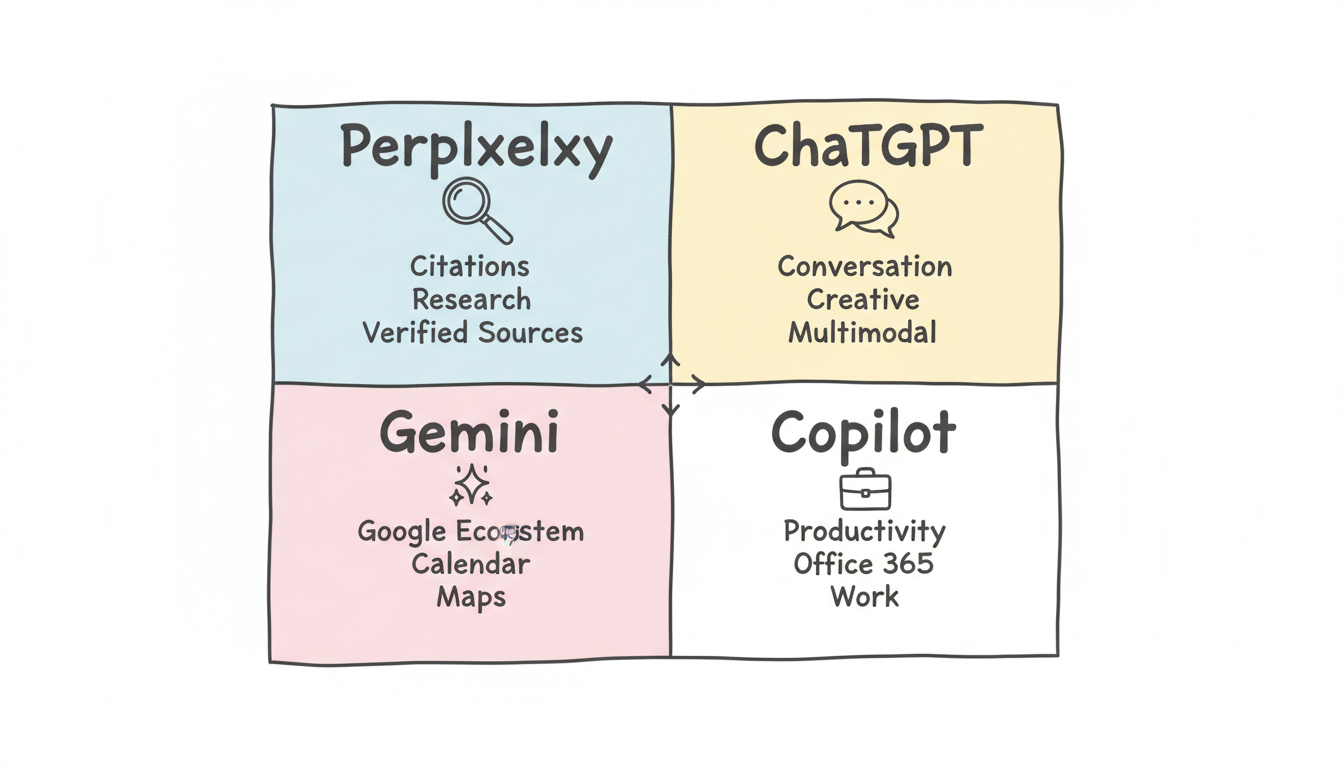
Many power users employ multiple apps:
Businesses targeting mobile AI visibility should consider optimizing for website AI-powered search engines with mobile-specific strategies.
The mobile AI search experience continues evolving:
Apple-Google partnership: Siri powered by Gemini will bring enhanced AI to iOS users in 2026, integrating Google's AI capabilities with Apple's interface.
Agentic capabilities: Mobile AI apps are gaining the ability to take actions—book appointments, make purchases, send messages—not just answer questions.
Deeper device integration: AI assistants increasingly control device settings, apps, and features based on context and user needs.
Proactive assistance: AI that surfaces information before you ask, based on location, schedule, and patterns. Implementing schema markup for AI search optimization helps AI systems understand and surface your content proactively.
Yes. Google AI Overviews appear in the Google Search app and through Chrome mobile when searching on google.com. The experience is optimized for mobile screens with expandable summaries.
It depends on your needs. Perplexity offers the best source citations. ChatGPT provides the deepest conversations. The native Google app gives AI Overviews integrated with traditional search. Many users benefit from having multiple apps.
Most AI search apps require internet connectivity for full functionality. Some, like Perplexity Pro, cache recent searches for offline access. On-device AI features are limited but expanding.
All major AI search apps offer free tiers with usage limits. Premium subscriptions ($15-20/month) provide higher limits, advanced features, and better model access.
By submitting this form, you agree to our Privacy Policy and Terms & Conditions.



