
February 19, 2026


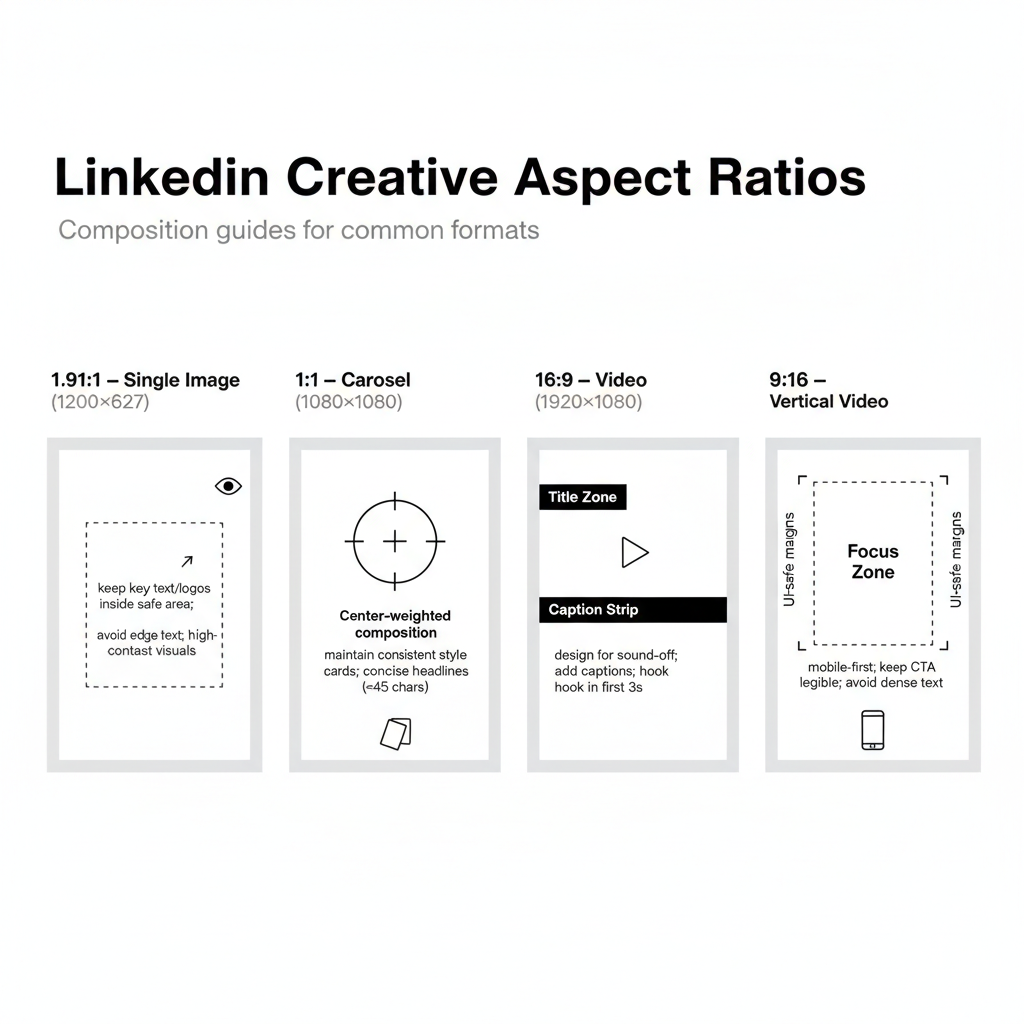
Getting your LinkedIn ad specs right is essential for campaign success. Nothing derails a well-planned campaign faster than rejected creatives or poorly displayed ads that look stretched, pixelated, or cut off on mobile devices.
This guide covers every LinkedIn ad format's exact specifications—dimensions, file sizes, character limits, and aspect ratios—so you can create ads that display perfectly across all devices and placements.
Single image ads are LinkedIn's most versatile format, appearing in the feed as Sponsored Content. They're ideal for driving traffic, generating leads, and building brand awareness—especially when combined with proven linkedin-lead-generation-campaign tactics.
Specification | Requirement |
Recommended Size | 1200 x 627 pixels |
Aspect Ratio | 1.91:1 (landscape) |
Minimum Width | 400 pixels |
Maximum File Size | 5 MB |
File Formats | JPG, PNG, GIF (static only) |
Element | Character Limit | Best Practice |
Ad Name | 255 characters | Internal use only |
Headline | 200 characters | Keep under 70 for full visibility |
Introductory Text | 600 characters | First 150 characters shown before "see more" |
Description | 300 characters | Direct Sponsored Content only |
According to LinkedIn's advertising guidelines, images should avoid excessive text overlays for optimal engagement. For more creative inspiration, review these linkedin-advertising-case-studies to see what works.
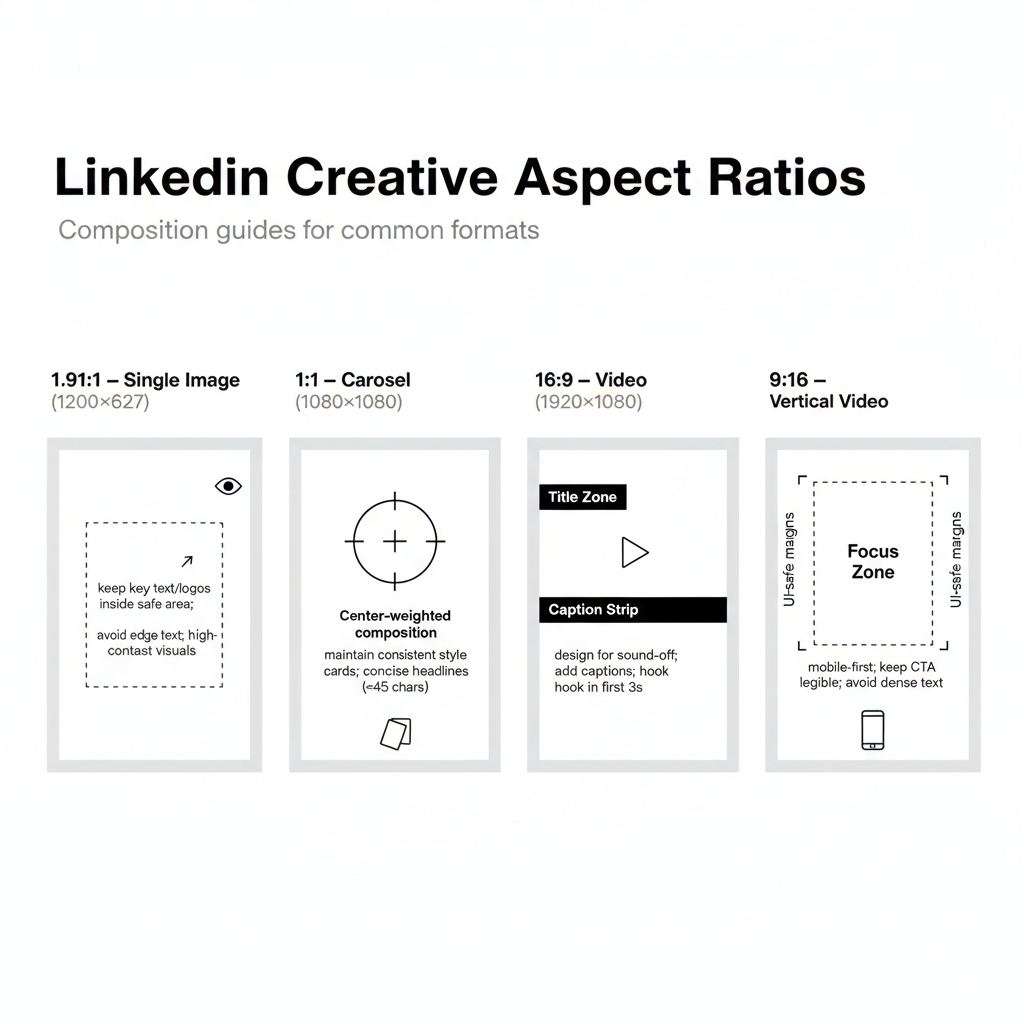
Carousel ads let you showcase multiple images or cards that users swipe through. They're excellent for storytelling, showcasing multiple products, or walking prospects through a process.
Specification | Requirement |
Image Size | 1080 x 1080 pixels |
Aspect Ratio | 1:1 (square) |
Number of Cards | 2-10 cards |
Maximum File Size | 10 MB per card |
File Formats | JPG, PNG |
Element | Character Limit |
Ad Name | 255 characters |
Introductory Text | 255 characters |
Card Headline | 45 characters |
Landing Page URL | Required per card |
Video ads capture attention and drive engagement, with LinkedIn reporting that members spend 3x more time watching video ads compared to static content. Learn the full strategy behind effective linkedin-video-ad-best-practices to maximize your video performance.
Specification | Requirement |
Recommended Size | 1920 x 1080 pixels (landscape) |
Aspect Ratios | 16:9, 1:1, or 9:16 (vertical) |
Minimum Resolution | 360 pixels |
Maximum File Size | 200 MB |
Duration | 3 seconds to 30 minutes |
File Formats | MP4 |
Frame Rate | 30 fps recommended |
Audio | AAC or MPEG4 |
Element | Character Limit |
Ad Name | 255 characters |
Headline | 200 characters (70 recommended) |
Introductory Text | 600 characters |
Text ads appear in the right rail on desktop and are LinkedIn's most cost-effective format, often delivering the lowest CPC for b2b-linkedin-advertising campaigns.
Specification | Requirement |
Image Size | 100 x 100 pixels |
Aspect Ratio | 1:1 (square) |
Maximum File Size | 2 MB |
File Formats | JPG, PNG |
Element | Character Limit |
Headline | 25 characters |
Description | 75 characters |
Understanding linkedin-cpm-explained can help you budget effectively for these cost-efficient placements.
Message ads deliver personalized messages directly to LinkedIn members' inboxes. They achieve open rates averaging 50%, significantly higher than email marketing benchmarks.
Specification | Requirement |
Message Body | 1,500 characters |
Subject Line | 60 characters |
CTA Button Text | 25 characters |
Banner Image (optional) | 300 x 250 pixels |
Banner File Size | 2 MB maximum |
Many linkedin-lead-generation-companies rely heavily on Message Ads for their top-performing campaigns.
Document ads let you share PDFs, PowerPoints, and Word documents directly in the feed. Users can view documents without leaving LinkedIn, making them excellent for lead generation with gated content.
Specification | Requirement |
File Formats | PDF, DOC, DOCX, PPT, PPTX |
Maximum File Size | 100 MB |
Page Limit | Up to 300 pages |
Recommended Pages | 10-15 for engagement |
Element | Character Limit |
Introductory Text | 600 characters |
Headline | 200 characters |
Document Title | Displays from file name |
For effective document ad creative, reference linkedin-advertising-templates that have proven performance records.
Conversation ads create interactive, choose-your-own-adventure style experiences in LinkedIn messaging. This format is particularly effective when implementing linkedin-retargeting strategies to nurture warm audiences.
Specification | Requirement |
Message Text | 500 characters per message |
CTA Buttons | Up to 5 per message |
CTA Button Text | 25 characters each |
Banner Image | 300 x 250 pixels |
Conversation Layers | Up to 5 branches |
Event ads promote LinkedIn Events directly in the feed with a one-click attendance button.
Specification | Requirement |
Image Size | 1200 x 627 pixels (from event) |
Introductory Text | 600 characters |
Event Name | Pulled from event page |
Lead Gen Forms attach to most ad formats and pre-populate with member profile data for frictionless conversions. They're a cornerstone of best-linkedin-ads-lead-generation strategies.
Element | Limit |
Form Fields | Up to 12 fields |
Custom Questions | Up to 3 |
Privacy Policy URL | Required |
Thank You Message | 300 characters |
Ad Format | Image Size | Aspect Ratio | Max File Size |
Single Image | 1200 x 627 px | 1.91:1 | 5 MB |
Carousel | 1080 x 1080 px | 1:1 | 10 MB/card |
Video | 1920 x 1080 px | 16:9, 1:1, 9:16 | 200 MB |
Text Ads | 100 x 100 px | 1:1 | 2 MB |
Message Ads Banner | 300 x 250 px | N/A | 2 MB |
Document Ads | N/A | Landscape preferred | 100 MB |
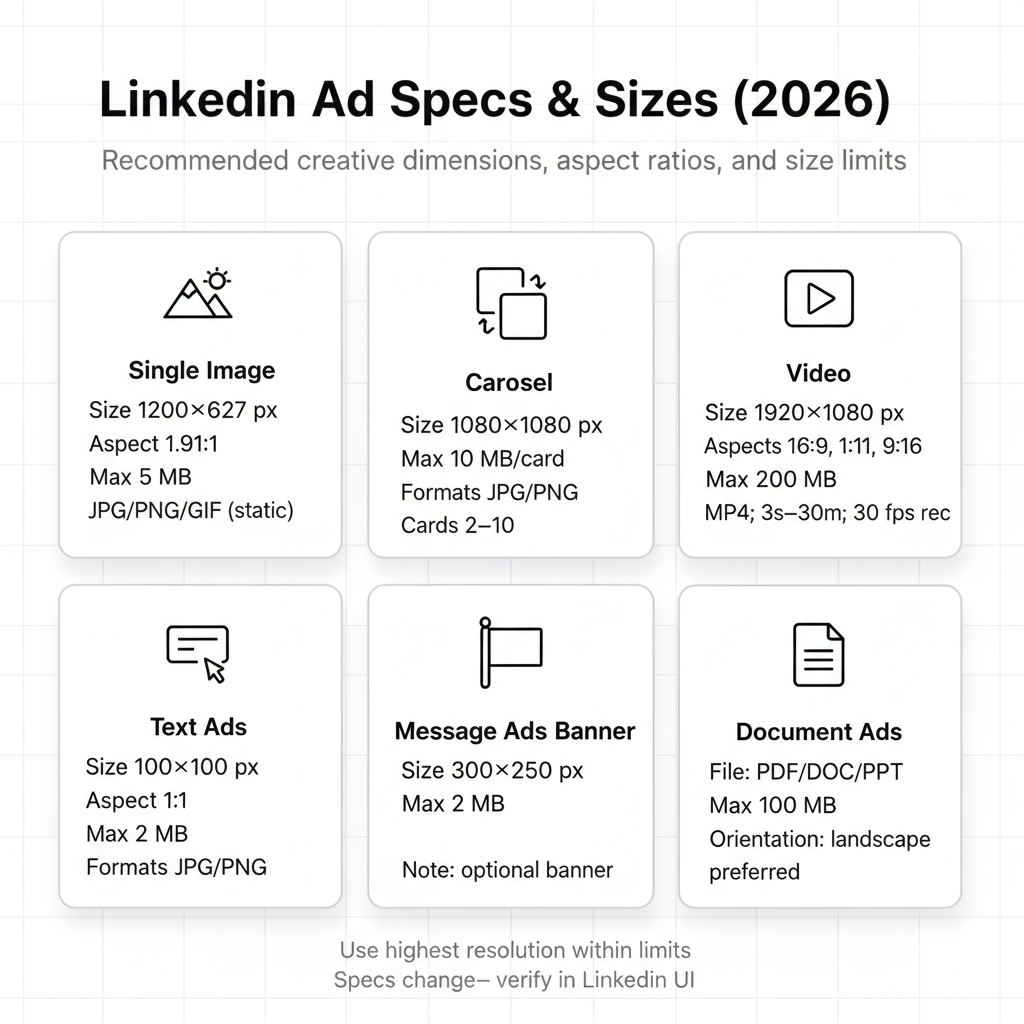
For single image Sponsored Content, use 1200 x 627 pixels with a 1.91:1 aspect ratio. For carousel ads, use 1080 x 1080 pixels (square). Always use the highest resolution possible within file size limits for crisp display on high-density screens. Check how your costs compare across platforms with this facebook-ads-cost-comparison guide.
For awareness campaigns, videos under 30 seconds perform best. For consideration-stage content targeting engaged audiences, 1-2 minute videos can work well. LinkedIn allows up to 30 minutes, but engagement drops significantly after the first minute for most campaigns.
Unlike Facebook, LinkedIn doesn't enforce a strict text-on-image policy. However, images with less text typically perform better because they look more native to the feed. If you must include text, keep it minimal and ensure high contrast for readability.
LinkedIn accepts MP4 files for video ads. Use H.264 video codec and AAC audio codec for best compatibility. Maximum file size is 200 MB, and videos must be between 3 seconds and 30 minutes long.
Proper tracking setup is essential for measuring linkedin-advertising-roi. Install the linkedin-insight-tag-guide on your website to enable conversion tracking, retargeting, and demographic insights across all ad formats. Many businesses partner with a specialized linkedin-ppc-agency or best-linkedin-ad-agency to manage cross-format optimization and tracking.
By submitting this form, you agree to our Privacy Policy and Terms & Conditions.



