
February 19, 2026


The right search engine marketing tools can mean the difference between campaigns that scale profitably and those that drain your budget. As AI reshapes paid search in 2026, choosing the right software stack has become more important—and more complex—than ever.
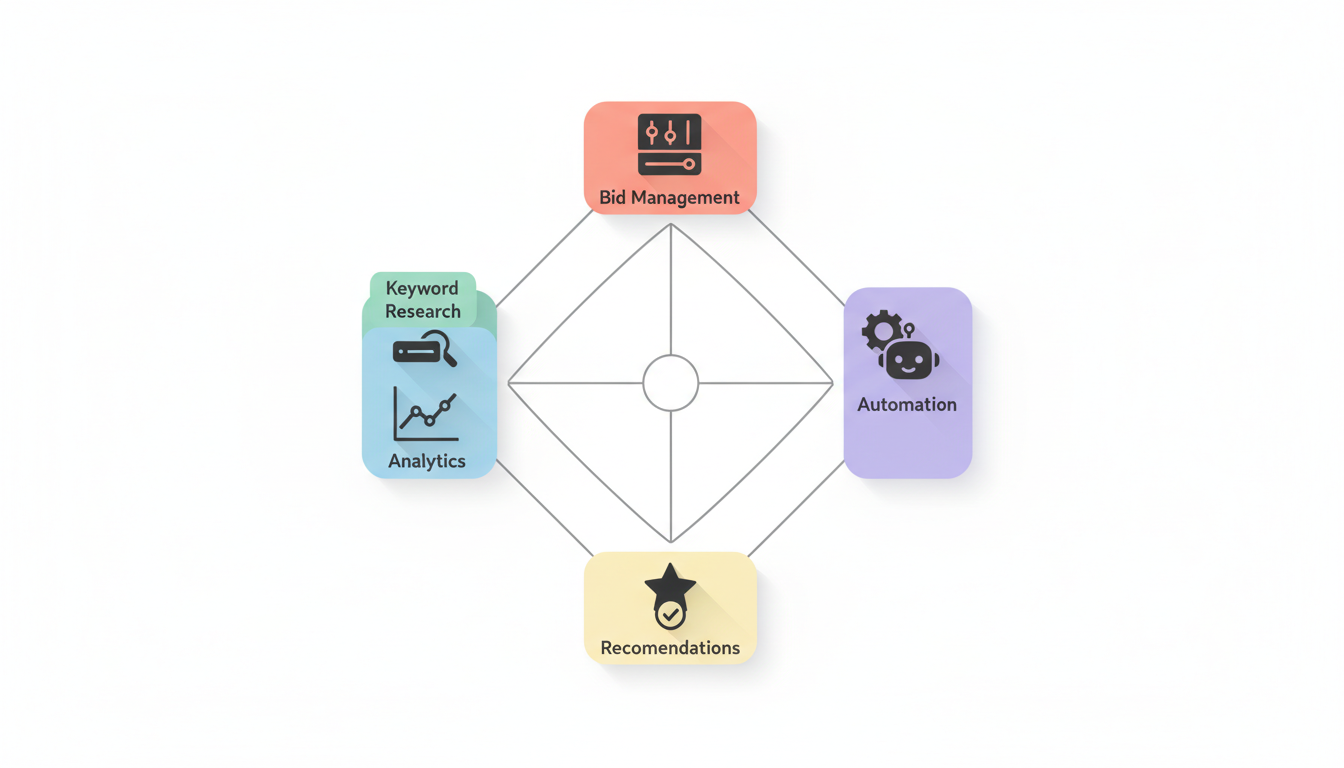
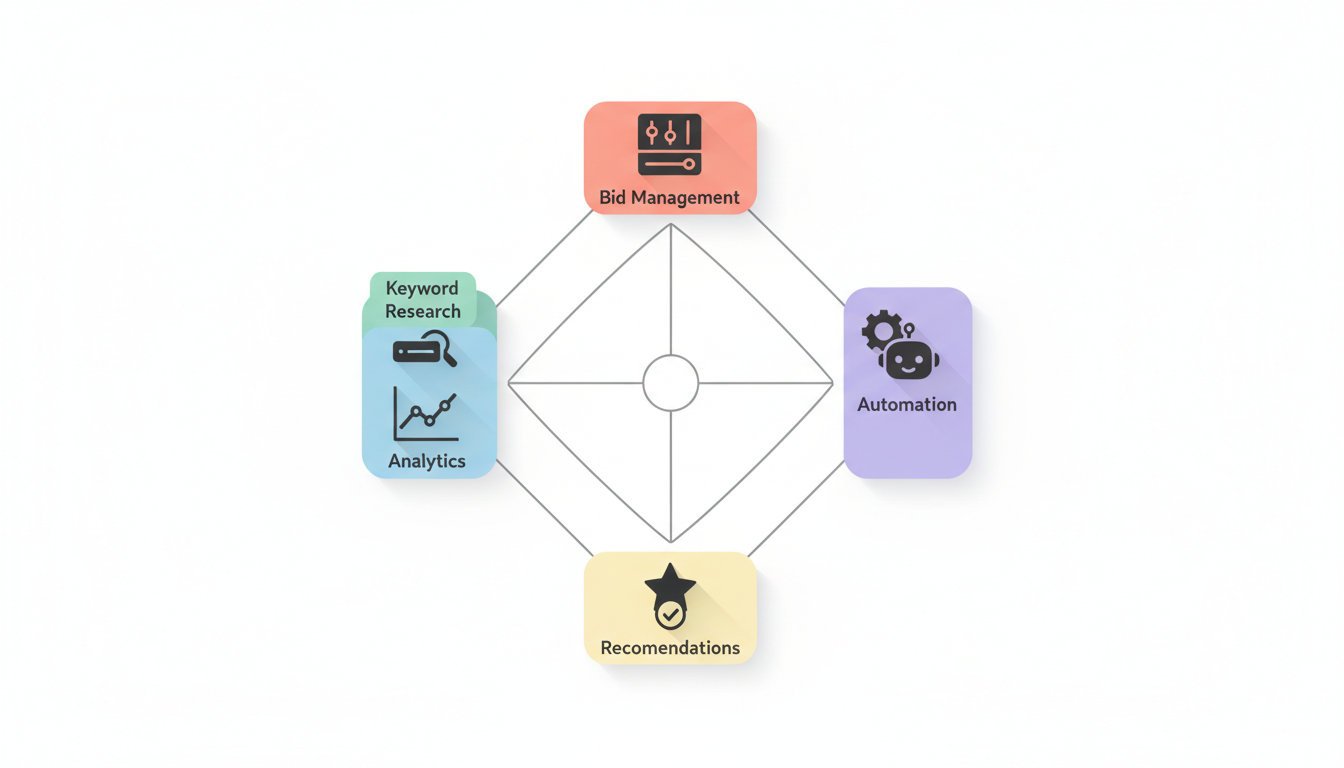
This guide covers the essential SEM tools across five categories: keyword research, bid management, analytics, automation, and our top recommendations for different business sizes and needs.
Keyword research forms the foundation of every successful SEM campaign. These tools help you discover what your customers are searching for and how competitive those terms are.
Best for: Beginners and budget-conscious advertisers
Google's free tool remains essential for any SEM practitioner. It provides:
Limitations: Data is grouped into ranges rather than exact numbers unless you're actively spending in Google Ads.
Best for: Comprehensive competitive intelligence
According to OptinMonster, SEMrush is the top all-in-one SEO tool. For SEM specifically, it excels at:
WordStream notes that SEMrush provides search volume trends, Google PPC keyword data, keyword intent, and search volume and difficulty all in one place.
Pricing: Starts at $129.95/month for the Pro plan.
Best for: Backlink analysis and keyword gaps
According to OptinMonster, Ahrefs excels in backlink analysis and keyword gaps. For SEM, use it to:
Best for: Competitor ad intelligence
SpyFu specializes in revealing your competitors' advertising strategies:
This intelligence helps you learn from competitors' successes without making their mistakes.
Managing bids across thousands of keywords requires specialized tools, especially as campaign complexity grows.
Google Ads Smart Bidding
According to MonsterInsights, AI has moved from a nice-to-have feature to the engine driving most PPC campaigns. Google's Smart Bidding strategies include:
Strategy | Best For | Requirements |
Target CPA | Lead generation | 30+ conversions/month |
Target ROAS | E-commerce | Revenue tracking enabled |
Maximize Conversions | Campaign scaling | Conversion tracking set up |
Maximize Conversion Value | High-value sales | Value tracking enabled |
Microsoft Advertising Copilot
Microsoft's AI assistant helps with campaign creation and optimization, offering similar automated bidding capabilities to Google.
For advertisers managing large budgets across multiple platforms, third-party tools offer additional capabilities:
Optmyzr
Marin Software
WordStream Advisor
Understanding what's working requires robust analytics. These tools help you measure and visualize performance.
Essential for: All advertisers
GA4 provides:
Best for: Custom reporting and dashboards
Create automated reports that pull from:
Visualize trends, compare performance, and share insights with stakeholders. For comprehensive insights into microsoft ads reporting metrics, custom dashboards help you track performance across both major search platforms.
According to HawkSEM's approach mentioned by SEOProfy, their ConversionIQ system connects marketing channels and data platforms into a single dashboard, helping optimize campaigns in real time.
Similarly, WebFX's RevenueCloudFX platform helps clients track how ads translate into actual sales.
These examples highlight why many agencies build proprietary dashboards—off-the-shelf tools often don't connect all the dots between ad spend and revenue. Working with a search engine marketing agency guide can help you evaluate which dashboard approach fits your business needs.
For businesses where phone calls drive revenue, Nimbata offers native integration with Google Ads, Meta, HubSpot, and Salesforce, helping marketers synchronize call data insights to optimize advertising campaigns.
Automation has become central to SEM success. According to OuterBox Design, Google Ads has shifted from keyword-defined visibility to an AI-driven strategy where intent, structured data, and first-party signals dictate ad delivery.
Performance Max Campaigns
According to Claire Jarrett's Google Ads best practices, Performance Max campaigns are no longer experimental—they're central to how Google expects you to run ads. In 2026, we're getting more transparency and insights, though they're still not fully transparent.
AI Max for Search
A newer campaign type that uses AI to expand keyword targeting based on intent signals rather than exact keyword matches.
Responsive Search Ads
Automatically test headline and description combinations to find winning variants.
According to Filestage's marketing software guide, marketing agencies mostly use automation software to:
Nimbata notes that Zapier boasts thousands of connectors beyond CRM systems, ad platforms, and marketing tools, enabling marketers to connect and synchronize data for effective lead generation campaigns.
Use Zapier to:
Different businesses need different tool stacks. Here are our recommendations based on budget and complexity.
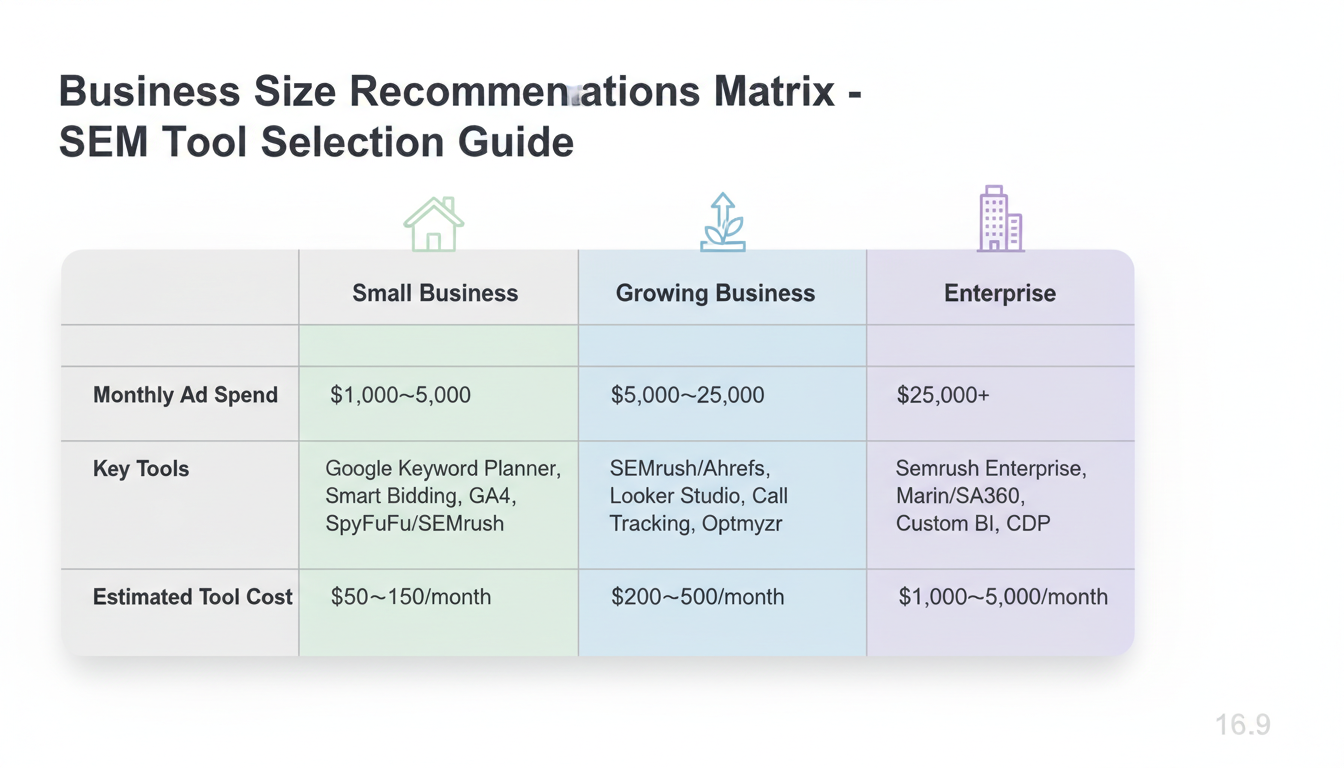
Essential Tools:
Estimated Tool Cost: $50-$150/month
Focus on mastering native platform tools before adding complexity. Learning how to advertise on bing guide alongside Google Ads can help you capture additional search traffic at lower costs.
Recommended Stack:
Estimated Tool Cost: $200-$500/month
At this level, third-party tools pay for themselves through better optimization and time savings. Consider whether to outsource ppc management guide or build an in-house team with these tools.
Recommended Stack:
Estimated Tool Cost: $1,000-$5,000/month
Enterprise advertisers need tools that can handle scale, cross-channel attribution, and sophisticated automation.
According to The4's SEM tools guide, when evaluating SEM tools, prioritize:
Google Keyword Planner remains the best tool for beginners. It provides keyword ideas, search volumes, and competition data directly from Google. Combine it with Google Ads Editor for free bulk editing capabilities and Google Analytics 4 for free conversion tracking.
For small budgets under $5,000/month, native tools are often sufficient. However, third-party tools like SEMrush and SpyFu provide competitive intelligence that Google doesn't offer—seeing what keywords competitors bid on and what ads they run. According to OptinMonster, SEMrush is the top all-in-one tool for this purpose.
Budget approximately 5-10% of your ad spend for tools, with a minimum of $100-200/month for essential subscriptions. For a $5,000/month ad spend, budget $250-500/month for tools. The ROI from better optimization typically exceeds the tool costs significantly.
The right search engine marketing tools help you discover profitable keywords, automate bid management, and measure performance accurately. Start with native platform tools like Google Keyword Planner and Smart Bidding, then add third-party tools as your budget and complexity grow. Focus on tools that integrate well with your existing tech stack and provide actionable insights that directly improve campaign performance.
By submitting this form, you agree to our Privacy Policy and Terms & Conditions.



