
February 19, 2026



TikTok has become one of the most effective channels for mobile app user acquisition. With its highly engaged user base and advanced targeting capabilities, TikTok ads for apps consistently deliver strong install volumes at competitive costs. According to industry reports, TikTok's global ad revenue is projected to reach $34.8 billion in 2026, with app install campaigns representing a major share of that spend.
This guide covers everything you need to run successful TikTok app install campaigns—from initial setup to optimization strategies that drive quality installs.
TikTok offers several advantages for mobile app marketers:
Advantage | Benefit for App Marketers |
Highly engaged audience | Users actively discover and try new apps |
Full-screen video format | Showcases app features effectively |
Algorithm-driven discovery | Reaches users likely to install |
Young demographic skew | Ideal for gaming, social, and lifestyle apps |
Lower CPIs than Meta (often) | Competitive acquisition costs |
TikTok's unique content environment means users are already in discovery mode. Unlike platforms where ads interrupt the experience, TikTok ads that feel native often perform exceptionally well.
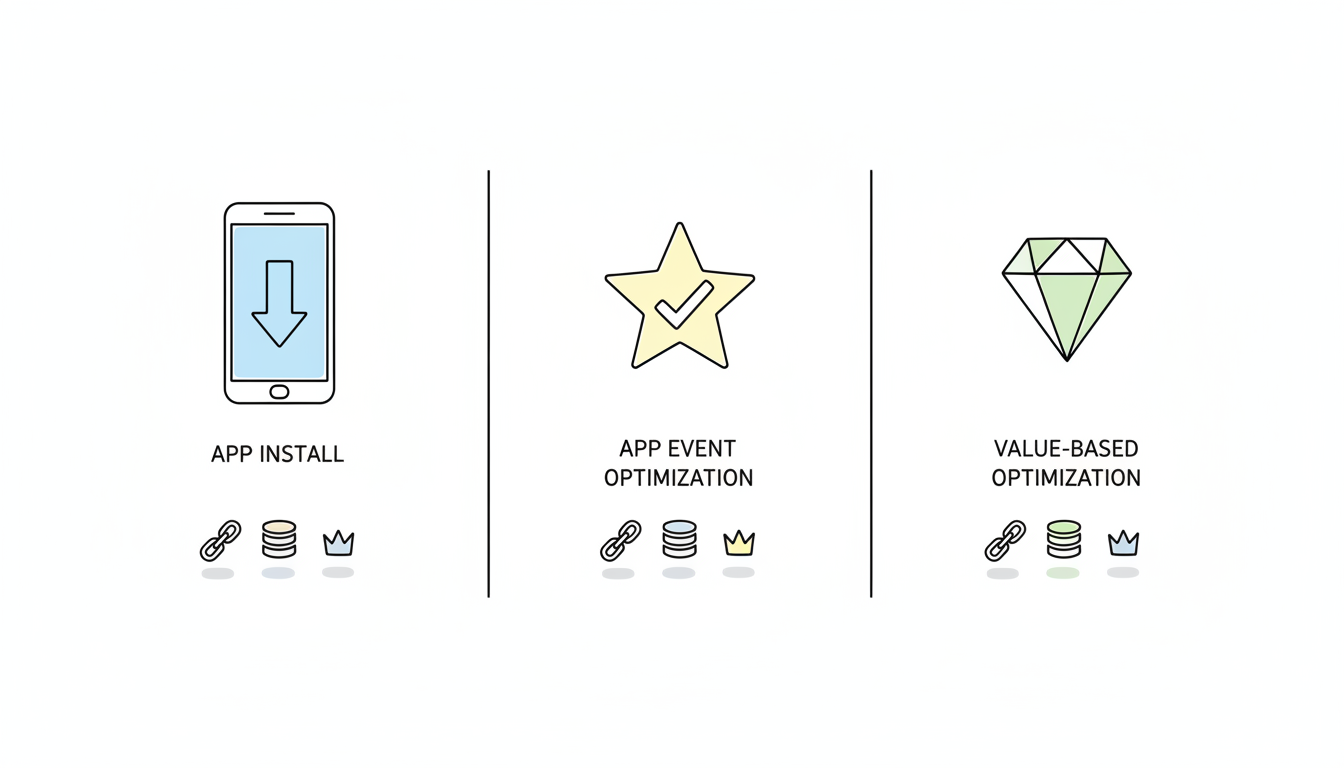
TikTok Ads Manager offers dedicated campaign objectives for app promotion:
App Install Objective
App Event Optimization (AEO)
Value-Based Optimization (VBO)
Setting up a TikTok app install campaign requires careful configuration across several areas.
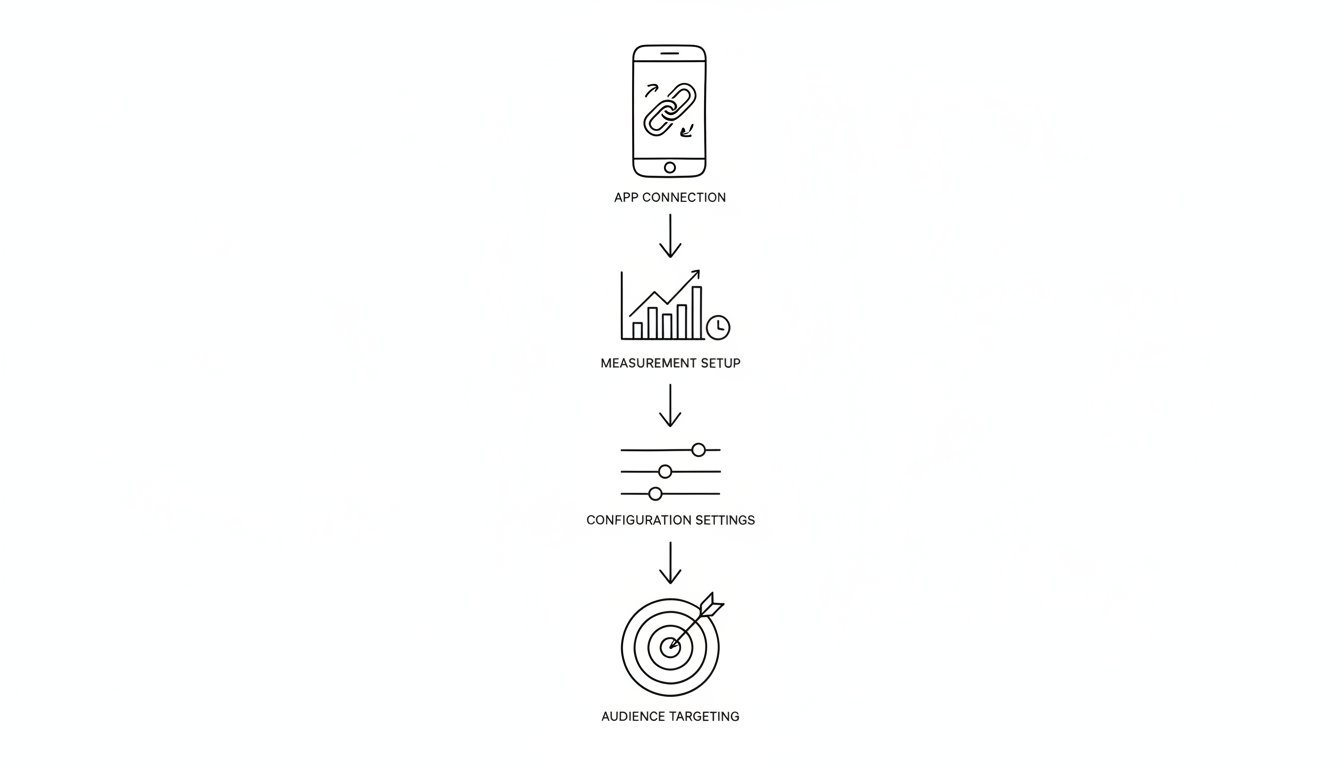
Before launching campaigns, connect your app to TikTok Ads Manager:
Accurate attribution is critical for app campaigns. You have three options:
Option A: Mobile Measurement Partner (MMP)
Most app marketers use an MMP like AppsFlyer, Adjust, Branch, Singular, or Kochava. Benefits include:
To connect your MMP:
Option B: TikTok App Events SDK
TikTok's native SDK offers direct integration without an MMP. The SDK now supports hybrid setup alongside MMPs.
Option C: Events API (eAPI)
Server-side integration for advanced setups requiring custom implementation.
Setting | Recommendation |
Campaign objective | App Installs (start here) |
Campaign budget | Minimum $500 campaign level |
Ad group budget | Minimum $50/day |
Optimization goal | App Install initially; AEO after data accumulates |
Bid strategy | Cost Cap recommended for cost control |
TikTok's algorithm needs data to optimize. Campaigns should achieve at least 50 conversions before scaling significantly.
For app install campaigns, consider these targeting approaches:
Broad Targeting (Recommended for New Campaigns)
Interest/Behavior Targeting
Custom Audiences
App install ad creative makes or breaks your campaign. Understanding TikTok ad creative best practices is essential for maximizing your install campaigns' performance. TikTok's native format demands content that feels organic.
According to TikTok marketing research, the first three seconds determine whether users engage or scroll. Your hook must immediately communicate value.
Effective Hook Strategies for Apps:
Element | Requirement |
Aspect ratio | 9:16 (vertical, full-screen) |
Resolution | 720p minimum, 1080p recommended |
Duration | 15-60 seconds (21-34 seconds optimal) |
File size | Up to 500MB |
Sound | Essential—most users watch with sound on |
Leveraging TikTok UGC ads consistently outperforms polished brand creative on TikTok. Consider:
Test these elements systematically:
Accurate tracking enables optimization. Without proper attribution, you're flying blind. Setting up your TikTok Pixel correctly ensures you capture all conversion data for optimization.
Apple's App Tracking Transparency significantly impacted iOS measurement. To maximize data:
Event | Purpose |
Install | Primary optimization event |
Registration | Quality signal for AEO |
Tutorial complete | Engagement indicator |
First purchase | Revenue optimization |
Subscription start | LTV signal |
TikTok default attribution windows:
Consider adjusting based on your app's typical user journey. Games with immediate monetization might use shorter windows; B2B apps with longer consideration periods might extend them.
Once campaigns are running, continuous optimization improves efficiency. If your campaigns aren't delivering expected results, understanding why TikTok ads aren't spending can help you diagnose and fix delivery issues.
Metric | Benchmark Range | Action if Off Target |
CPI (Cost per Install) | $1.50-$4.00 (varies by vertical) | Test new creative, adjust targeting |
CTR | 0.5-2.0% | Improve hook and creative |
CVR | 10-25% (click to install) | Optimize store listing |
Retention D1 | 25-40% | Review targeting quality |
Creative Refresh TikTok creative fatigues quickly. Plan to refresh every 2-4 weeks with new concepts and variations.
Audience Expansion Once you find winning creative, expand targeting gradually. Increase budgets by 20-30% every few days to maintain algorithm stability.
Bid Optimization If using Cost Cap bidding, adjust bids based on results:
Dayparting Analyze when your best users install. Consider scheduling ads during peak engagement periods for your audience.
CPI varies significantly by app category, geography, and targeting. Generally, gaming apps see CPIs of $1.50-$3.00, while utility apps range from $2.00-$5.00. Social and entertainment apps often achieve $1.00-$2.50. Focus on quality metrics (retention, LTV) rather than CPI alone—a $3.00 CPI with strong retention beats a $1.00 CPI with 90% churn.
Allow at least 7-14 days and 50+ conversions before making significant changes. TikTok's algorithm needs time to learn which users convert. Campaigns typically exit the "learning phase" after achieving this conversion threshold, at which point optimization stabilizes.
Most app marketers use an MMP (AppsFlyer, Adjust, etc.) because it provides cross-platform attribution, fraud detection, and unified reporting. TikTok's SDK can work alongside MMPs in a hybrid setup. If you're only running TikTok campaigns and want simplicity, the native SDK works well.
By submitting this form, you agree to our Privacy Policy and Terms & Conditions.



