
February 19, 2026


Every successful TikTok advertiser has a secret weapon: the TikTok Creative Center. This free resource library gives you direct access to trending content, top-performing ads, and creative tools—all powered by official TikTok data. If you're not using it to research your competition and discover trends, you're leaving money on the table.
This guide walks you through how to use TikTok Creative Center to find winning ads, spot emerging trends, and apply those insights to your own campaigns.
TikTok Creative Center is a one-stop resource designed for marketers, content creators, and businesses to discover the latest trends, insights, and creative tools on TikTok. Think of it as TikTok's official intelligence hub for advertisers.
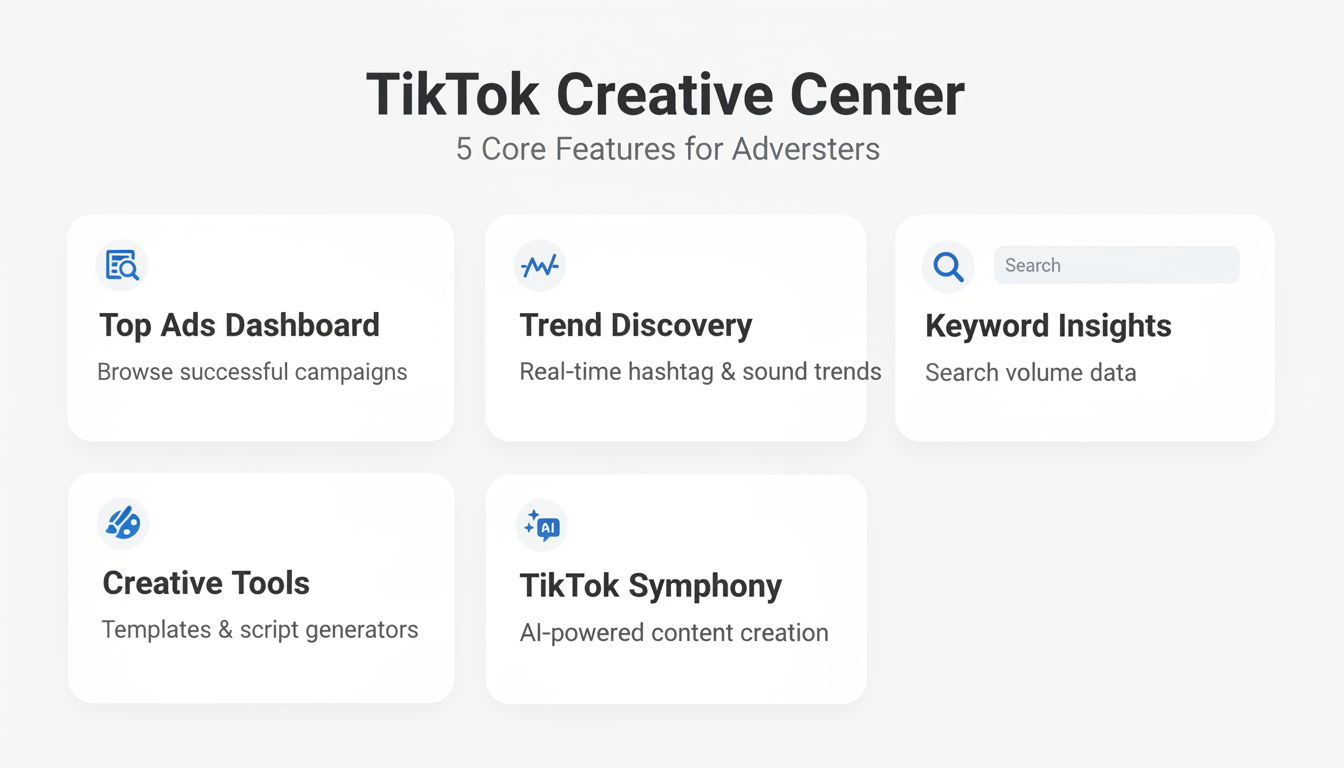
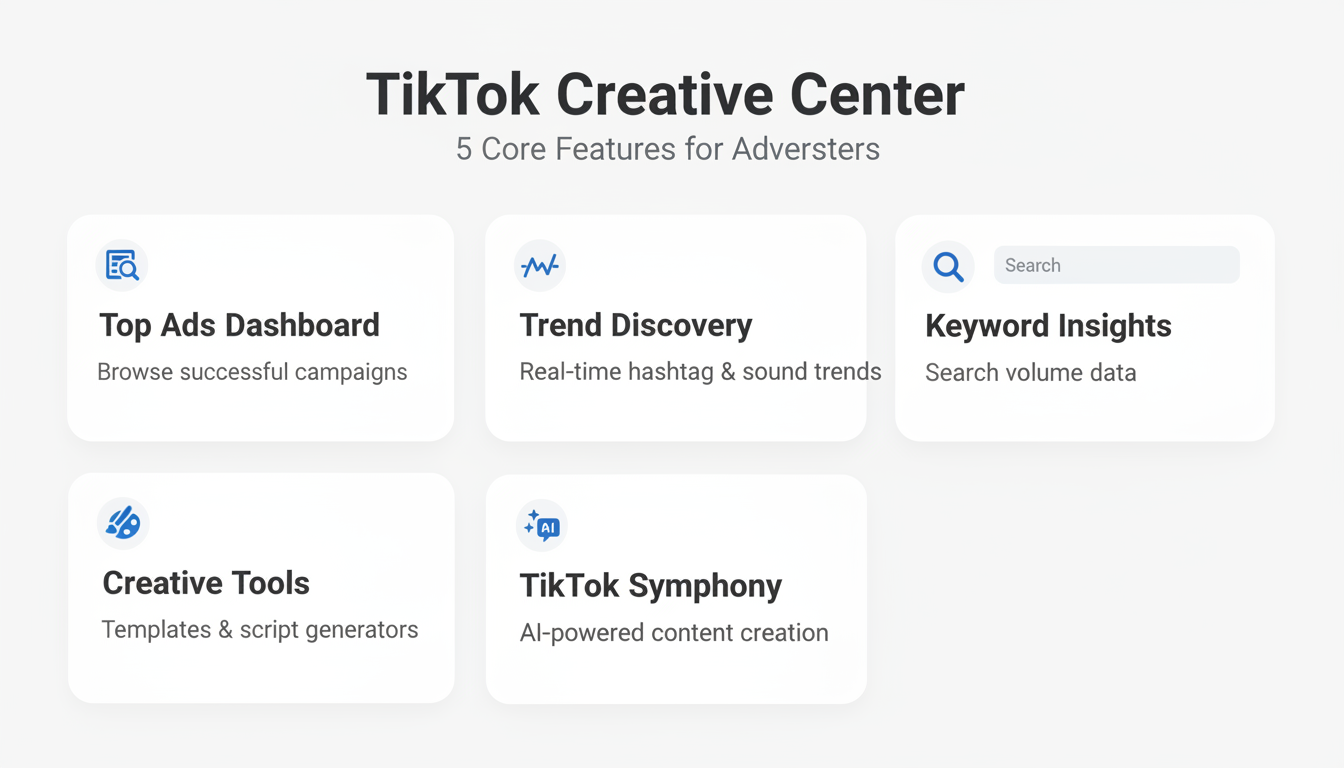
The platform includes several core features:
Feature | What It Does |
Top Ads Dashboard | Library of successful ad campaigns with official TikTok data |
Trend Discovery | Real-time data on trending hashtags, songs, creators, and videos |
Keyword Insights | Search volume and trend data for TikTok keywords |
Creative Tools | Video templates, script generators, and editing resources |
TikTok Symphony | AI-powered creative tools for TikTok-fit content |
Unlike third-party spy tools, Creative Center uses official TikTok data, giving you accurate, real-time insights into what's actually working on the platform.
No paid TikTok Ads account required—Creative Center is free for anyone to use.
The Top Ads Dashboard is where most advertisers spend their time. This section lets you browse a library of successful campaigns across various industries, providing inspiration and insights into what works.
Filter by industry: Select your vertical (beauty, ecommerce, finance, etc.) to see ads relevant to your market.
Filter by region: Different markets respond to different creative styles. Filter by country to see what performs in your target geography.
Filter by objective: Choose between conversion-focused ads, awareness campaigns, or engagement-optimized content.
Analyze what you find: When reviewing top ads, pay attention to:
Pro tip: Save competitor ads for inspiration and analyze their elements like hooks, pacing, and user-generated content style to refine your own campaigns.
When you find ads that resonate with your target audience, break them down systematically:
The best ads on TikTok often feel less like marketing and more like storytelling. Keep this in mind as you analyze and adapt winning approaches. For deeper analysis of your campaigns, understanding TikTok ads reporting analytics can help you measure which creative approaches drive the best results.
Staying relevant on TikTok means knowing what's trending before it peaks. The Trend Discovery section helps you identify these shifts early, allowing you to create timely content that resonates.
Trending Hashtags: See which hashtags are gaining momentum in your region. The tool shows post volume, growth rate, and related content examples.
Trending Songs: Audio is central to TikTok success. Discover which sounds are rising in popularity before they become oversaturated.
Trending Creators: Identify influencers gaining traction in your niche—potential partners for campaigns.
Trending Videos: See what organic content is performing best to understand current audience preferences.
The most effective approach combines trending elements with your brand message:
Use TikTok's Creative Center to find trending sounds in your niche, then create product videos synced to the beat or transitions. Pair a great hook with a familiar audio trend for maximum impact. When developing your content strategy around these insights, leveraging TikTok UGC ads can help you create authentic, trend-aligned content that resonates with platform audiences.
Beyond basic trend discovery, Creative Center offers deeper analysis:
Data from Creative Center should directly inform your ad strategy. Here's how to turn insights into action.
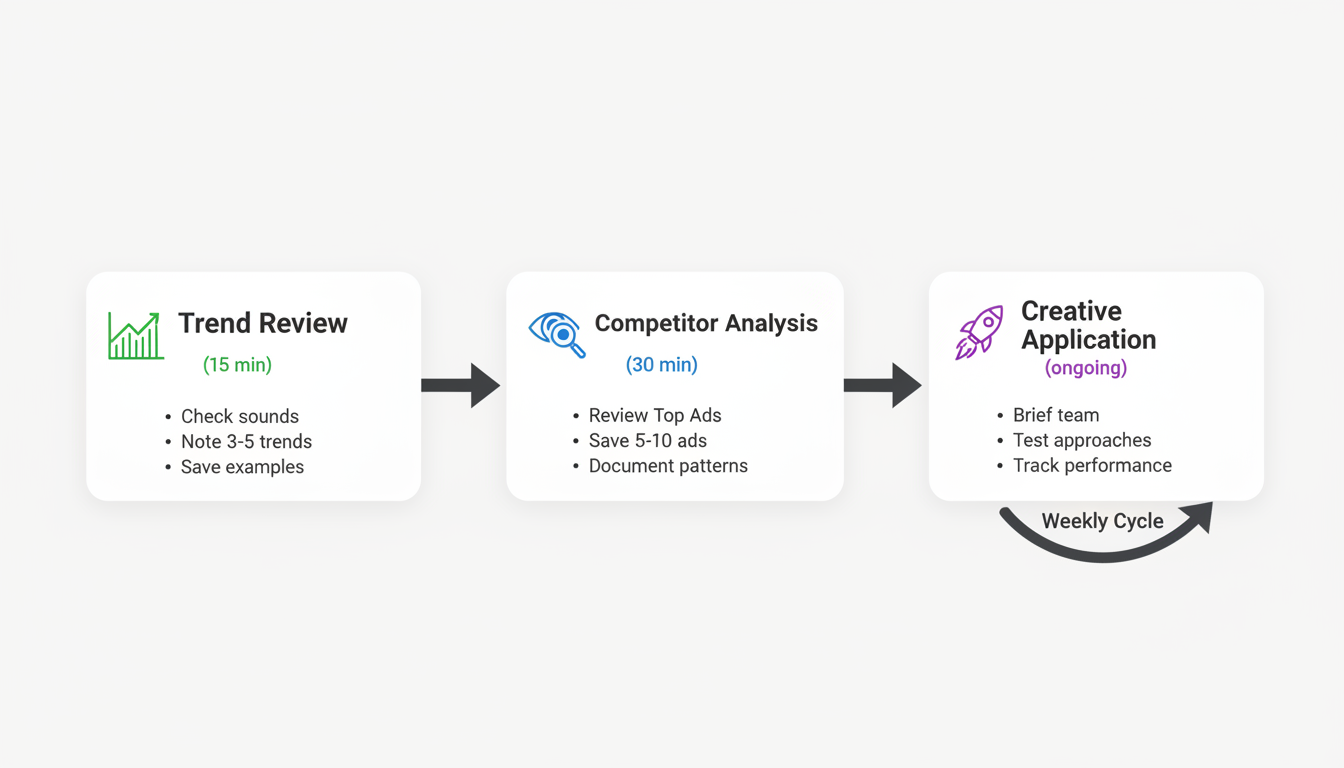
Weekly trend review (15 minutes):
Competitor ad analysis (30 minutes weekly):
Creative application (ongoing):
While Creative Center is powerful, understand its limitations:
For deeper competitive analysis, supplement Creative Center with third-party tools like Pipi Ads, Minea, or Foreplay for additional creative inspiration and spy capabilities. If you're comparing platforms, see how TikTok ads vs Facebook ads stack up in terms of creative requirements and audience targeting.
Use your research to guide creative development:
Insight Type | How to Apply |
Trending audio | Build content around the sound, not just add it as background |
Hook patterns | Test similar opening approaches in your ads |
Format trends | Adopt popular structures (GRWM, POV, listicles) |
Visual styles | Match production quality and aesthetic to top performers |
CTA strategies | Test successful call-to-action approaches |
Yes, TikTok Creative Center is completely free to use. You can access all features—including Top Ads Dashboard, Trend Discovery, and Creative Tools—without paying for a TikTok Ads account.
Trend data updates in near real-time, with Top Ads refreshed regularly. For the most current trending sounds and hashtags, check the platform daily or at minimum weekly. If you're new to the platform, familiarize yourself with TikTok Ads Manager to better understand how to implement these trends in your campaigns.
No. Creative Center shows ad creatives, run dates, and some targeting parameters, but does not reveal specific spending amounts or budget ranges. Focus on creative insights rather than budget estimation.
By submitting this form, you agree to our Privacy Policy and Terms & Conditions.



