
February 19, 2026


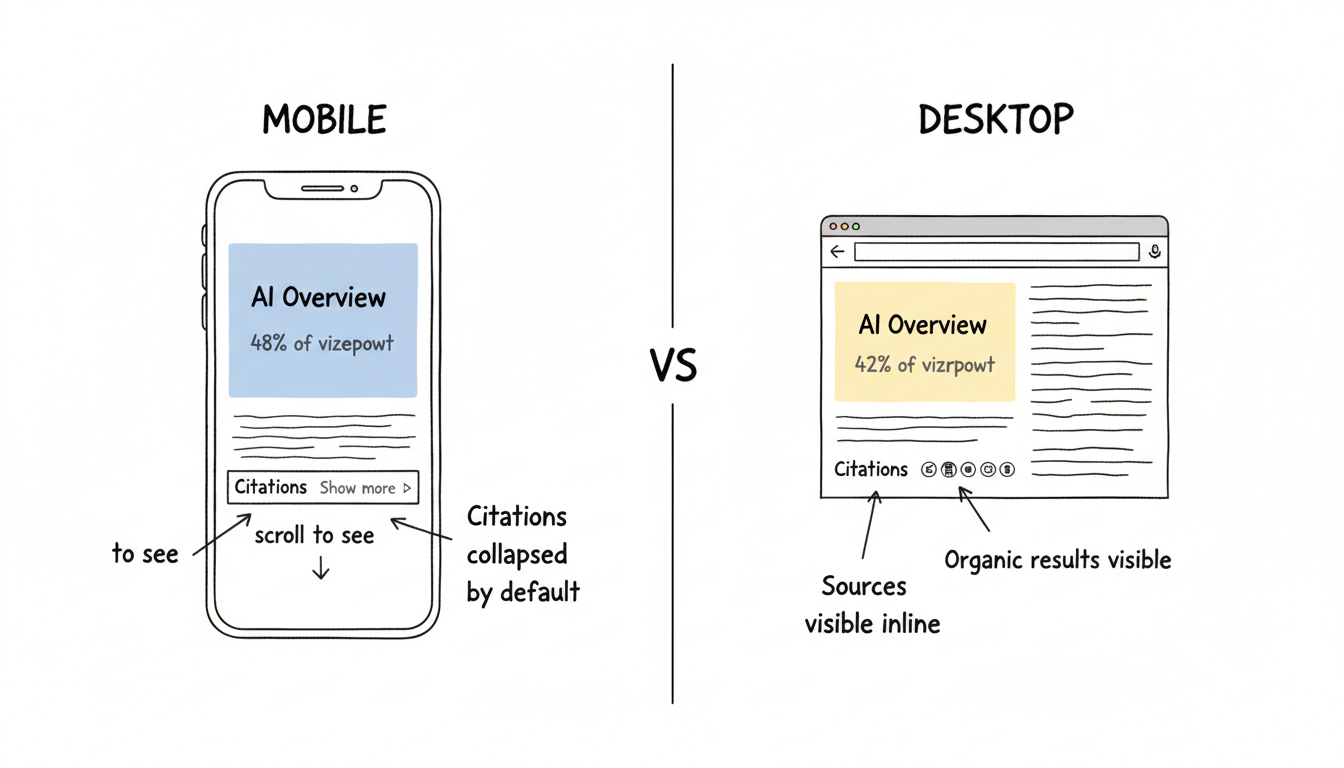
Google AI Overviews don't behave identically across devices. The mobile experience differs from desktop in display format, user interaction patterns, and even trigger rates. Understanding these differences helps you test AI Overview visibility accurately and optimize content for where your audience actually searches.
The visual presentation of AI Overviews varies significantly by device.
AI Overviews dominate different portions of each screen:
Device | Screen Space Used | Organic Results Position |
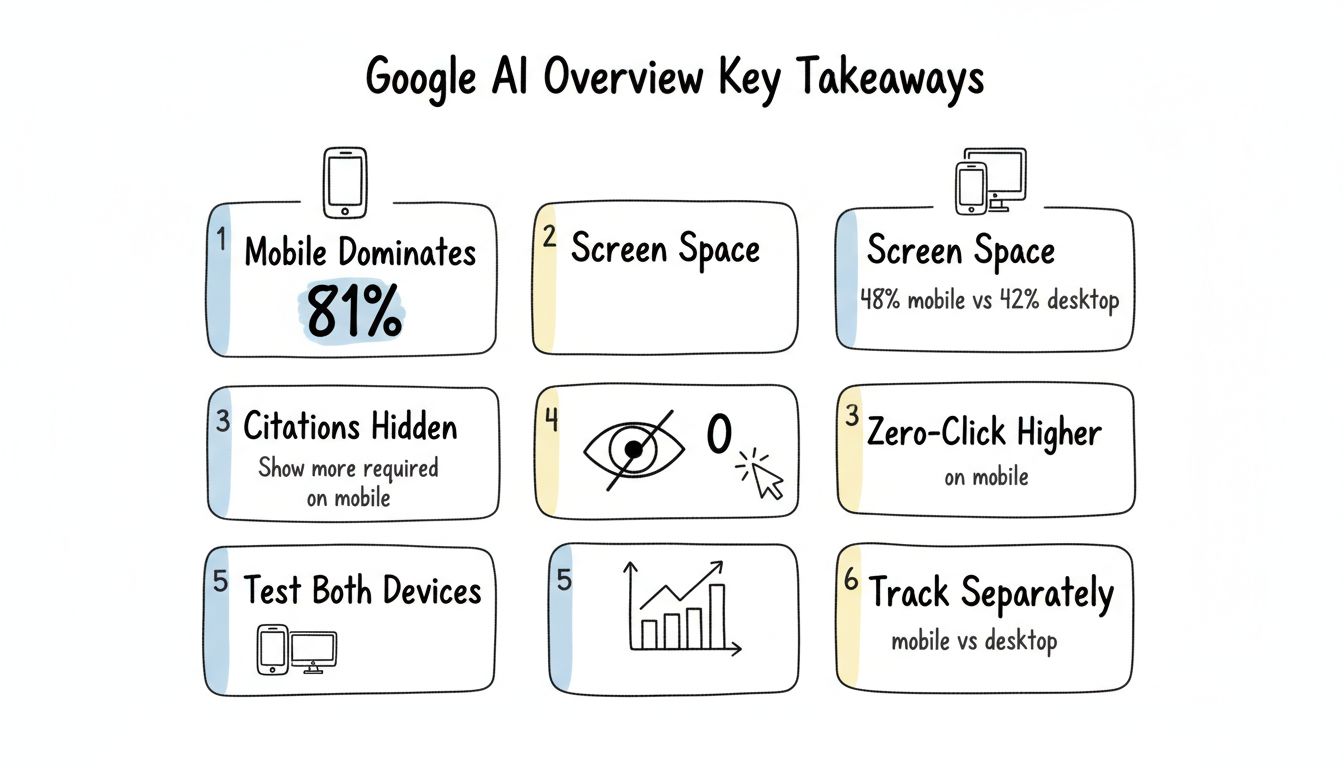
Desktop | 42% of viewport | Visible alongside (partially) |
Mobile | 48% of viewport | Pushed below fold |
On desktop, users can often see the AI Overview and some organic results simultaneously. On mobile, the AI Overview typically occupies the entire visible screen, requiring scrolling to reach traditional results.
How Google shows cited sources differs by device:
Desktop behavior:
Mobile behavior:
This difference affects whether users see your site cited—and whether they click through. Understanding these AI search citation tracking patterns helps you monitor performance across both surfaces.
How users expand AI Overview content:
Interaction | Desktop | Mobile |
Expand sources | Click | Tap |
View full answer | Often visible | Usually collapsed |
Related questions | Visible nearby | Scroll or tap required |
Follow-up prompts | Below overview | May require scrolling |
Mobile users see condensed versions by default and must actively choose to expand for detail.
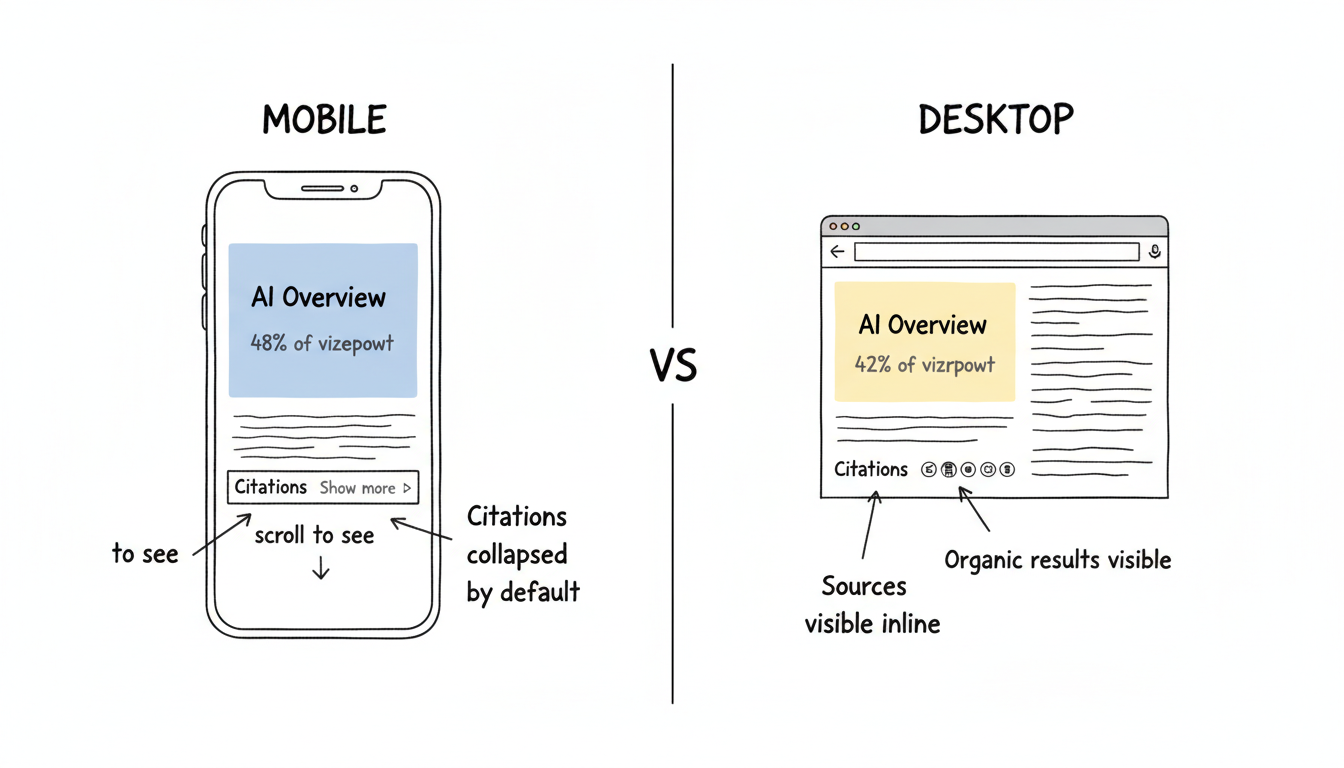
Mobile and desktop users interact with AI Overviews differently.
Device affects which queries users submit:
Query Characteristic | Desktop Tendency | Mobile Tendency |
Query length | Longer, more detailed | Shorter, conversational |
Voice vs. typed | Mostly typed | Significant voice input |
Research depth | Extended sessions | Quick answers |
Follow-up likelihood | Higher | Lower |
Mobile queries tend toward immediate information needs; desktop queries lean toward research and exploration.
Users click differently across devices:
Desktop CTR patterns:
Mobile CTR patterns:
The same AI Overview citation may generate different traffic volumes depending on where users see it. This directly impacts your AEO conversion rate as mobile users demonstrate different engagement patterns.
Zero-click behavior varies by device:
Approximately 81% of AI Overview queries occur on mobile, amplifying the mobile zero-click pattern's overall impact.
AI Overviews don't appear at equal rates across devices.
Observed trigger patterns:
Scenario | Desktop | Mobile |
Informational queries | High trigger rate | High trigger rate |
Commercial queries | Moderate | Slightly lower |
Local queries | Sometimes | Often replaced by Maps |
Transactional queries | Low | Very low |
Local queries particularly diverge—mobile often shows Google Maps integration instead of AI Overviews for location-aware searches.
When checking your AI Overview visibility:
A site appearing prominently in desktop AI Overviews may be less visible on mobile, and vice versa.
Device differences affect optimization approach.
If Your Audience Is | Optimization Priority |
Primarily mobile | Front-load key information (first extraction wins) |
Primarily desktop | Comprehensive depth supports full citations |
Mixed | Structure for mobile, depth for desktop |
Mobile-first content structure benefits both devices—concise answers that expand into depth. A comprehensive AEO implementation roadmap should account for these device-specific optimization requirements from the start.
Track AI Overview visibility on both surfaces:
Desktop monitoring:
Mobile monitoring:
Don't assume desktop visibility equals mobile visibility—check both. Professional AEO audit services typically include device-specific testing protocols to ensure comprehensive coverage.
Device-level analytics help understand AI Overview impact:
Metric to Segment | Why It Matters |
Device-specific organic traffic | Compare mobile vs desktop trends |
Bounce rate by device | Mobile AI visitors behave differently |
Conversion rate by device | Mobile paths often differ |
Landing page by device | AI may cite different pages |
Changes in mobile organic traffic may indicate AI Overview changes before desktop patterns shift.
Practical testing protocol:
Create a tracking comparison:
Query | Desktop AI Overview | Mobile AI Overview | Your Site Desktop | Your Site Mobile |
[query] | Present/Absent | Present/Absent | Cited/Not | Cited/Not |
Consistent tracking reveals device-specific patterns.
Understanding Google AI Overview mobile vs desktop differences:
The device your audience uses determines what AI Overview experience they encounter. Optimizing for one device without checking the other misses half the picture.
By submitting this form, you agree to our Privacy Policy and Terms & Conditions.



