
February 19, 2026


Google Knowledge Panels provide prominent brand visibility in search results, displaying key information about businesses, people, and organizations. When Knowledge Panel errors occur, they can misrepresent your brand, display incorrect information, or disappear entirely—undermining your entity authority and AI search visibility.
This guide covers the most common Knowledge Panel errors and proven fixes to restore accurate brand representation in Google search.
Knowledge Panels are auto-generated by Google's systems based on information gathered from across the web. Unlike Google Business Profiles, you don't directly control Knowledge Panel content—which makes errors particularly challenging to address.
Knowledge Panel accuracy affects more than traditional search:
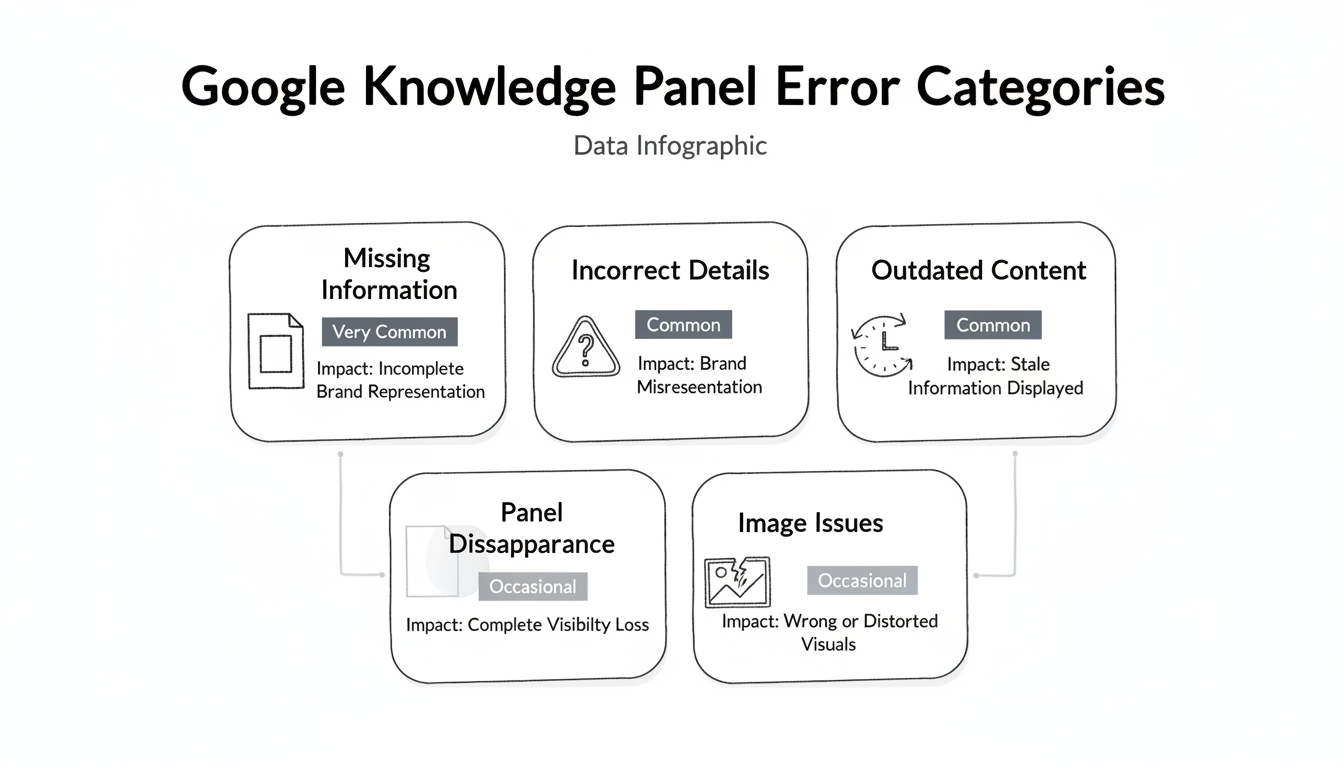
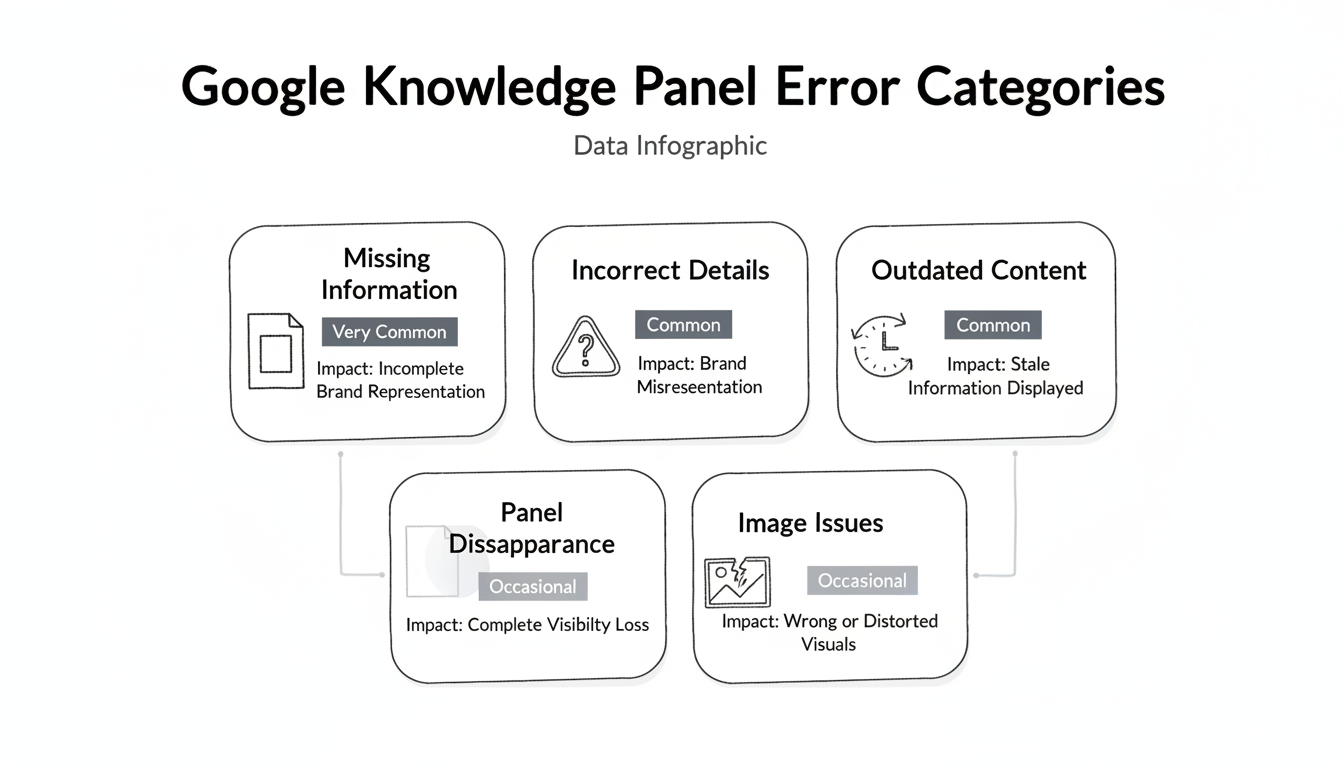
Error Type | Frequency | Impact |
Missing information | Very common | Incomplete brand representation |
Incorrect details | Common | Brand misrepresentation |
Outdated content | Common | Stale information displayed |
Panel disappearance | Occasional | Complete visibility loss |
Image issues | Occasional | Wrong or distorted visuals |
Schema markup tells Google about your entity, but mismatches between schema and page content cause errors.
Common issues:
Fix approach:
Partial schema implementation prevents Google from building complete entity understanding.
Signs of incomplete implementation:
Fix approach:
Multiple schema implementations—often from different plugins or tools—create conflicting signals.
Common causes:
Fix approach:
Name, Address, and Phone (NAP) inconsistencies across the web confuse entity recognition. Understanding how AI SEO works reveals why consistent entity signals matter for both traditional and AI-powered search.
Impact:
Fix approach:
Image issues range from wrong photos to display bugs like squished or distorted images.
Common image issues:
Fix approach:
Knowledge Panels can disappear due to policy violations, algorithm changes, or weakened entity signals.
Potential causes:
Fix approach:
Verified Knowledge Panels give you limited control to suggest edits.
Requirements:
Process:
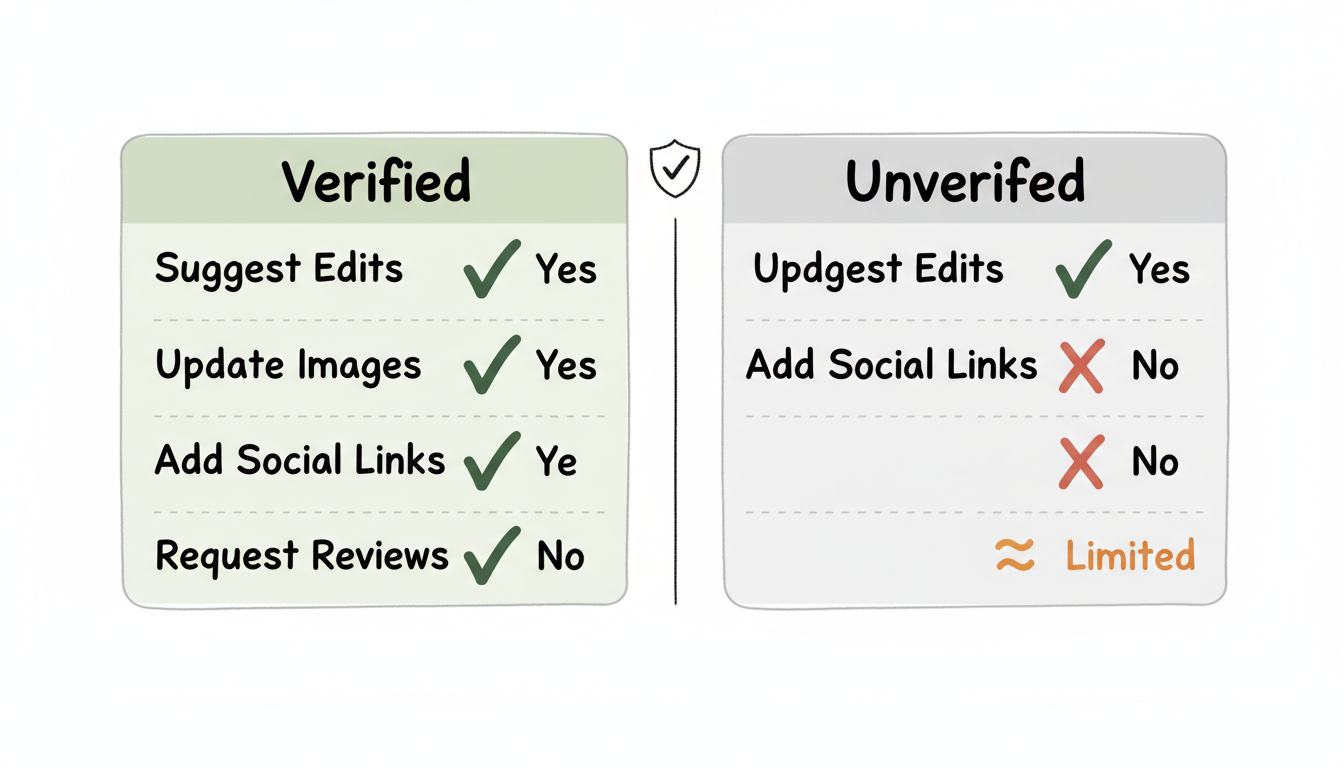
Action | Verified | Unverified |
Suggest edits | Yes | No |
Update images | Yes | Limited |
Add social links | Yes | No |
Request reviews | Yes | No |
Verification doesn't guarantee changes—Google reviews all suggestions and may reject them.
For verified panels:
For unverified panels:
Strengthen entity signals:
Improve schema implementation:
Proper implementation helps avoid platform tactics conflict resolution issues where different systems provide contradictory signals.
Strategy | Implementation | Benefit |
NAP monitoring | Monthly audits | Catch inconsistencies early |
Schema testing | Weekly validation | Prevent markup errors |
Citation tracking | Quarterly review | Maintain signal strength |
Panel monitoring | Regular searches | Detect changes quickly |
Knowledge Panel accuracy increasingly affects AI search visibility. AI systems reference Knowledge Graph data when generating responses about entities, and the Google AI Overview SEO impact shows how entity authority influences AI-generated content.
AI implications:
Fix Knowledge Panel errors not just for traditional search, but to establish accurate entity representation that AI systems will reference. Using AI search citation tracking tools can help monitor how AI systems reference your Knowledge Panel data.
Google typically reviews suggestions within 2-4 weeks, though complex changes may take longer. Some fixes through improved schema and signals may take months to reflect.
You can suggest corrections through verification or feedback, but Google decides what to display. Providing documentation supporting your suggested changes improves approval chances.
Panel disappearance usually results from weakened entity signals, algorithm changes, or policy violations. Strengthen entity presence across platforms and check for any Google notices.
No. While Wikipedia strengthens entity recognition, Knowledge Panels can appear without it. Consistent information across authoritative sources, proper schema, and verified Google properties all contribute.
By submitting this form, you agree to our Privacy Policy and Terms & Conditions.



